Skip to content

RustGIS

A fast, free and open-source GIS in pure Rust for mapping, analyzing and sharing geospatial data.

RustGIS runs natively on Windows, macOS and Linux, and in your web browser. Your data stays on your machine unless you send it to an AI model you choose, and every action is a command you can script from the command line, a notebook or the AI Assistant.

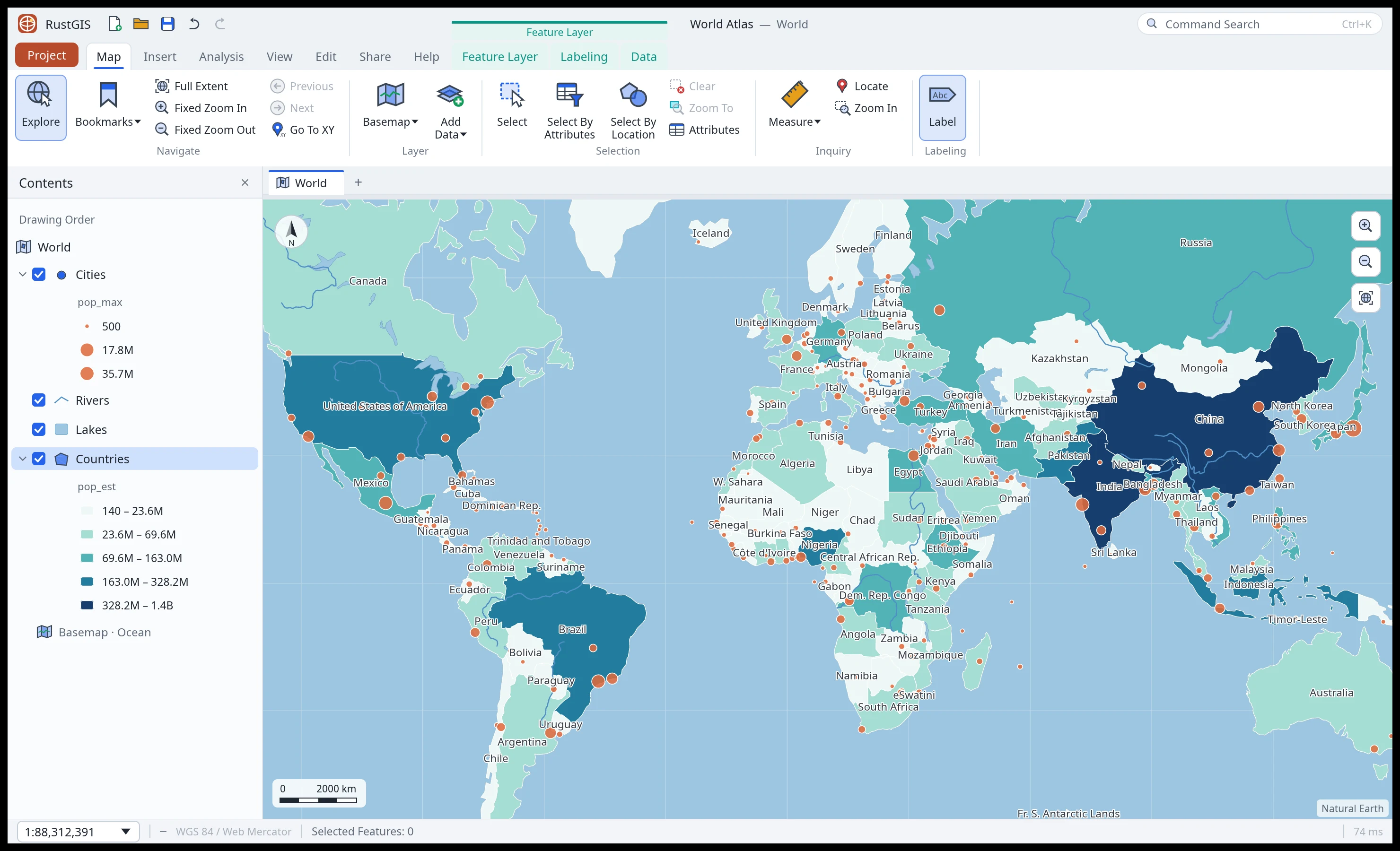
RustGIS with the Home tab of the ribbon open over a world map in the Equal Earth projection, countries shaded by population
RustGIS with the World Atlas sample in the Equal Earth projection.

Highlights

  • Your data, any source

    GeoJSON, Shapefile, GeoPackage, GeoParquet, GeoTIFF and more, live PostGIS and MySQL databases, and public data from STAC catalogs, Overture Maps and open-data portals. Data · Web Data · Formats

  • Cartography and 3D

    Graduated colours, collision-free labels, page layouts and map series; a 3D globe, any projection, terrain and extrusions, and maps of the Moon, Mars and other worlds. Cartography · Maps · Layouts

  • Analysis

    SQL selection, overlay and proximity tools, guided workflows, ModelBuilder, imagery tools and over 1,000 GeoLibre and Whitebox tools for terrain, hydrology and LiDAR. Analysis

  • Editing

    Create features and edit their vertices with snapping and templates, keep attributes valid with domains, subtypes and rules, check topology, and undo any change. Editing

  • AI Assistant

    Ask about your data or tell the map what to do. The assistant runs RustGIS commands with the model you choose, asks before going online, and every change can be undone. AI Assistant

  • Scriptable and extensible

    rustgis-cli and the rustgis Python package run any command and render maps; the MCP server lets AI agents make maps; sandboxed WebAssembly plugins add tools. Command Line · Python · MCP · Plugins

A tour

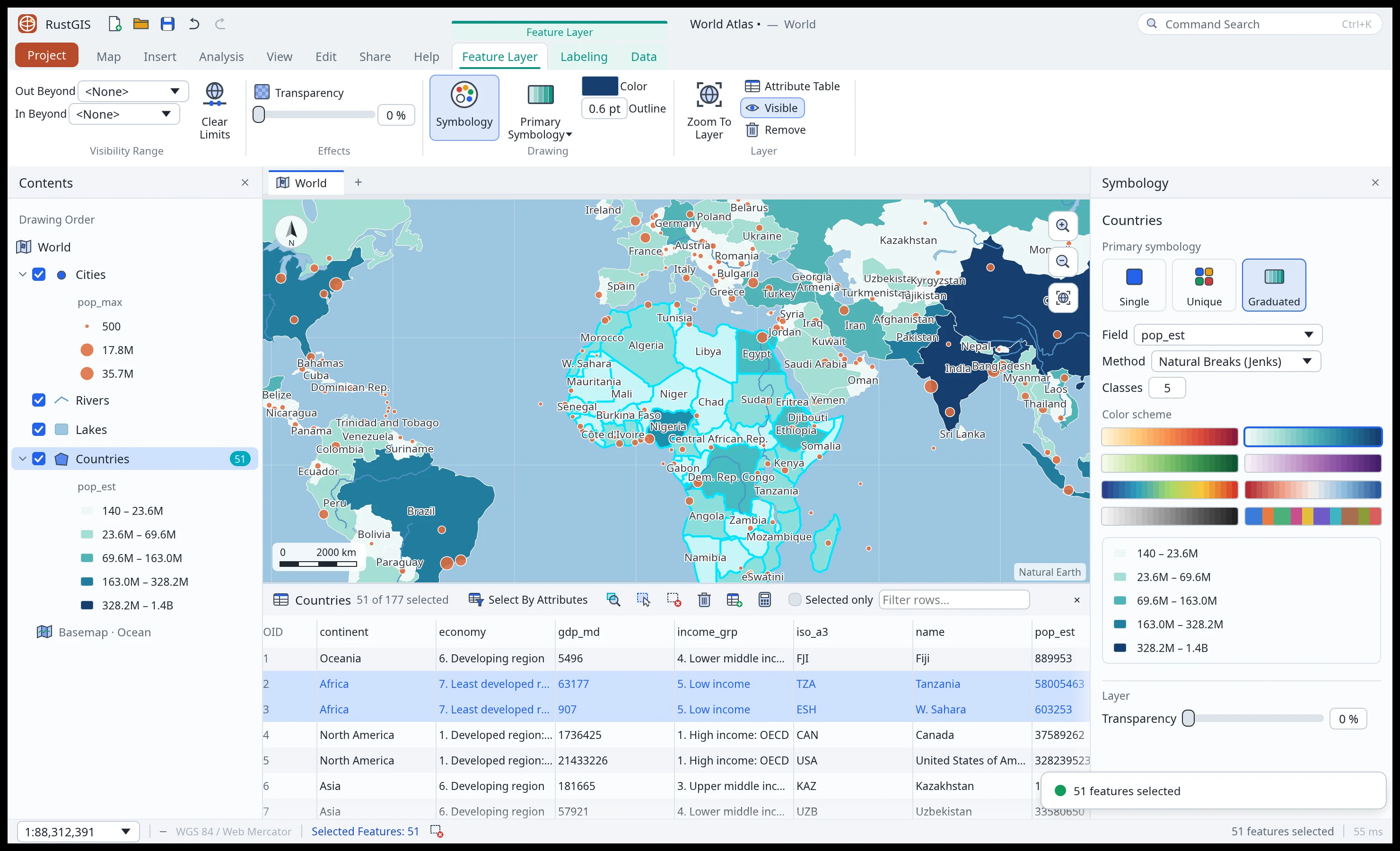
The Style tab and the Symbology pane, with the larger African countries selected
Symbology and tables. Graduated colours, with the selection synced to the table.
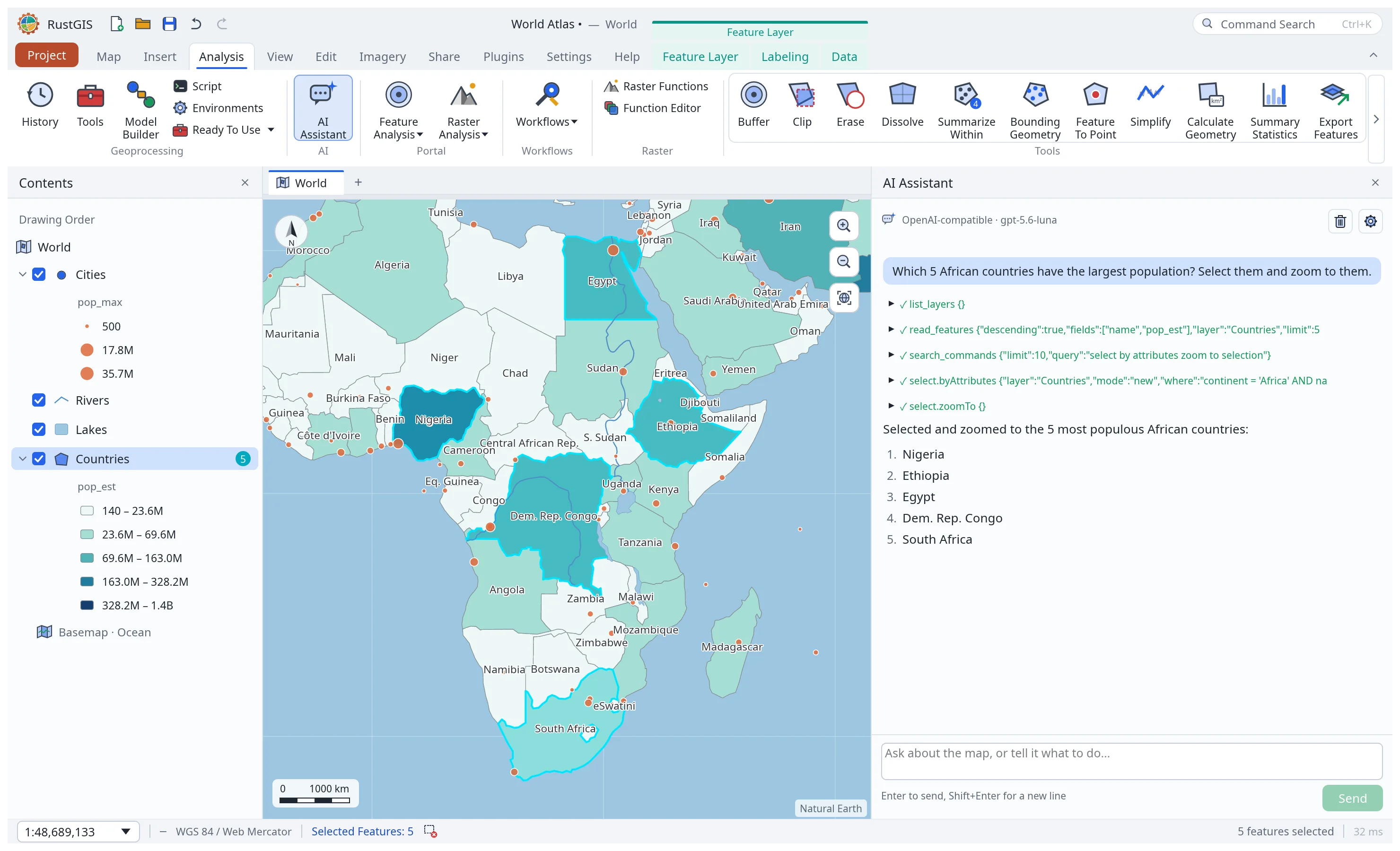
The AI Assistant selecting the five most populous African countries
AI Assistant. Ask about your data or tell the map what to do.
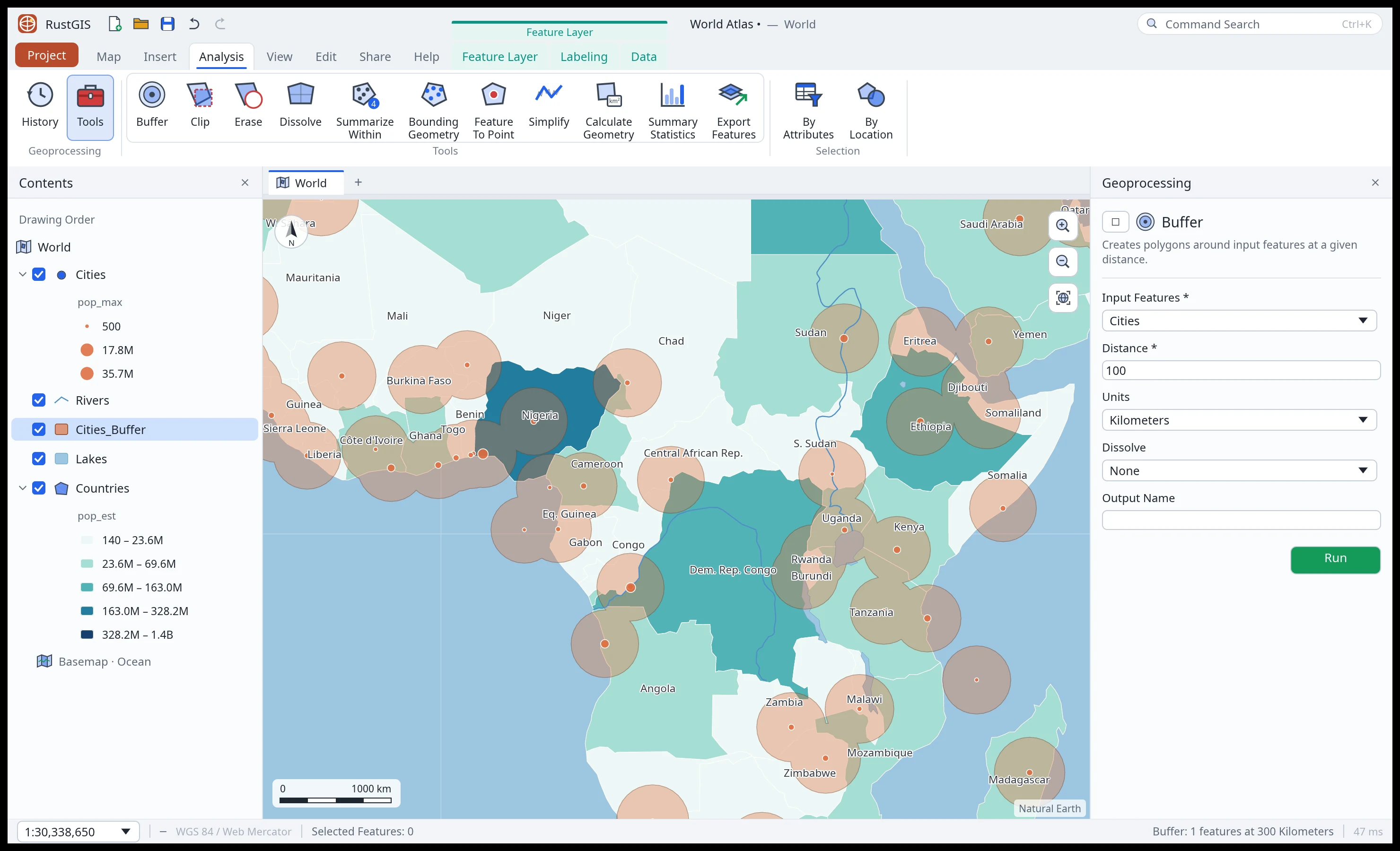
The Analyze tab's tool gallery and dissolved buffers around African cities
Analysis. A tool gallery, the Tools pane and 1,000+ GeoLibre tools.
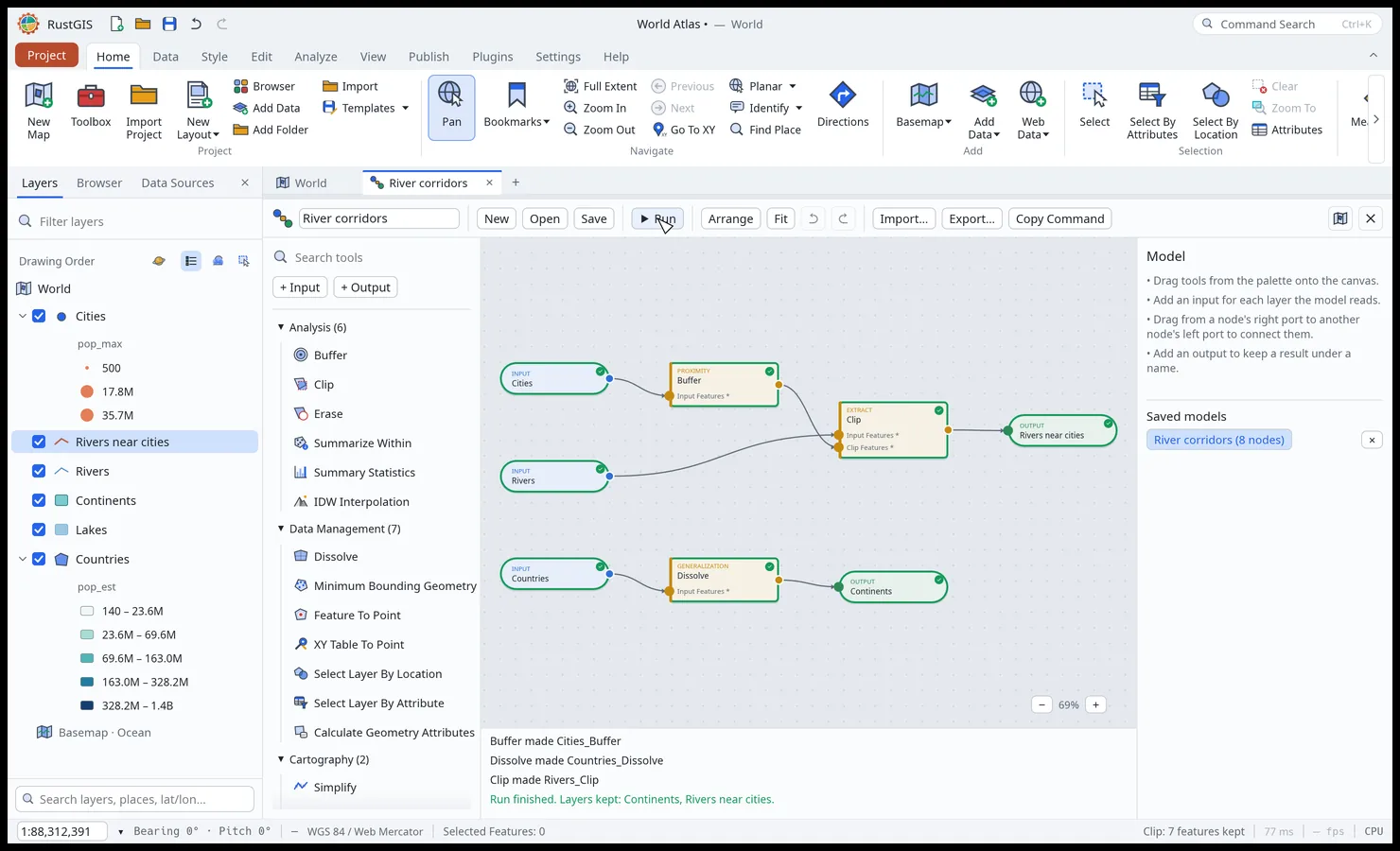
ModelBuilder: a model of buffer, clip and dissolve after a run
ModelBuilder. Chain tools on a node canvas and run them in one go.
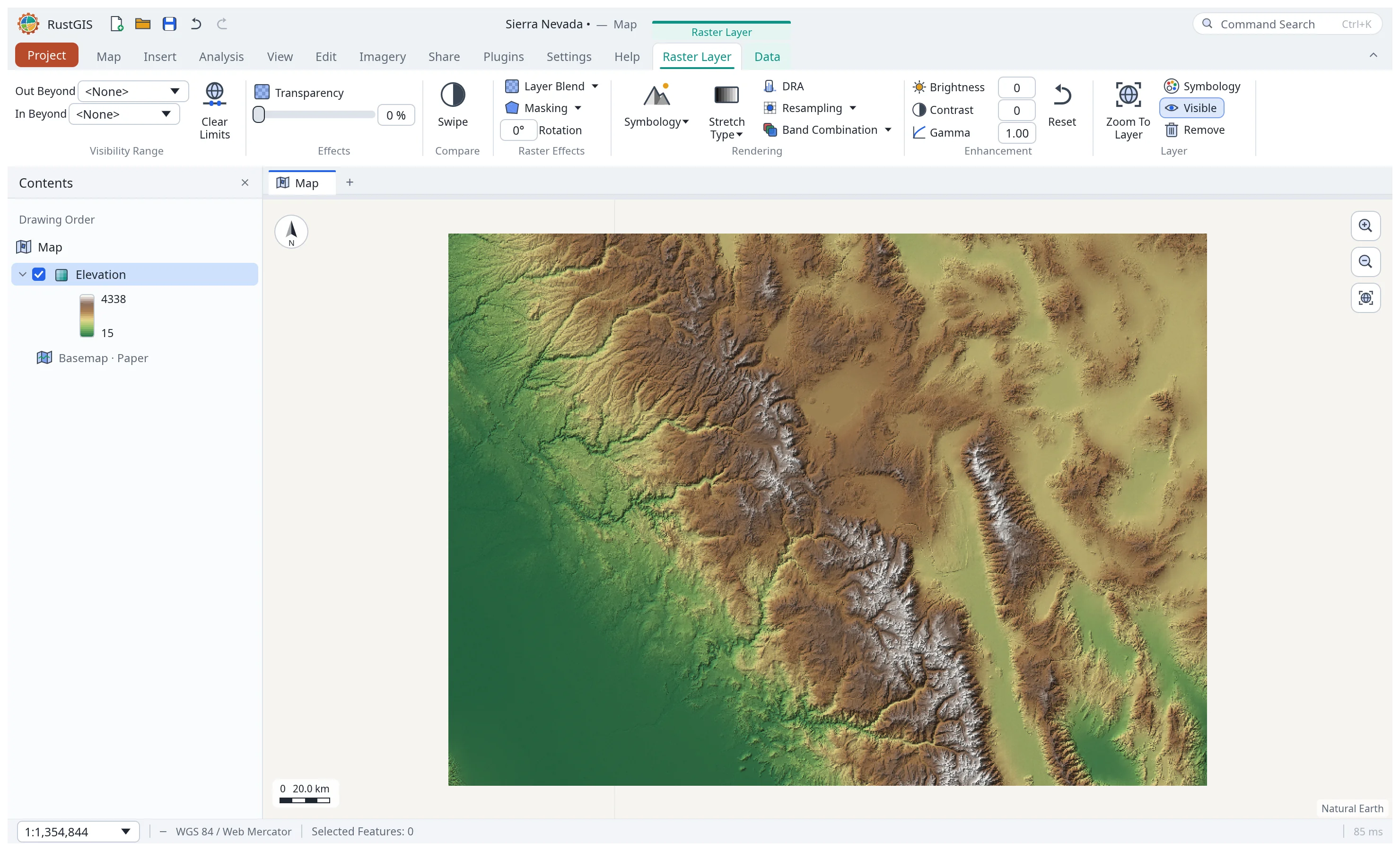
A shaded-relief elevation model with the Style tab
Rasters. GeoTIFF and COG, with stretch, RGB and shaded-relief styles.
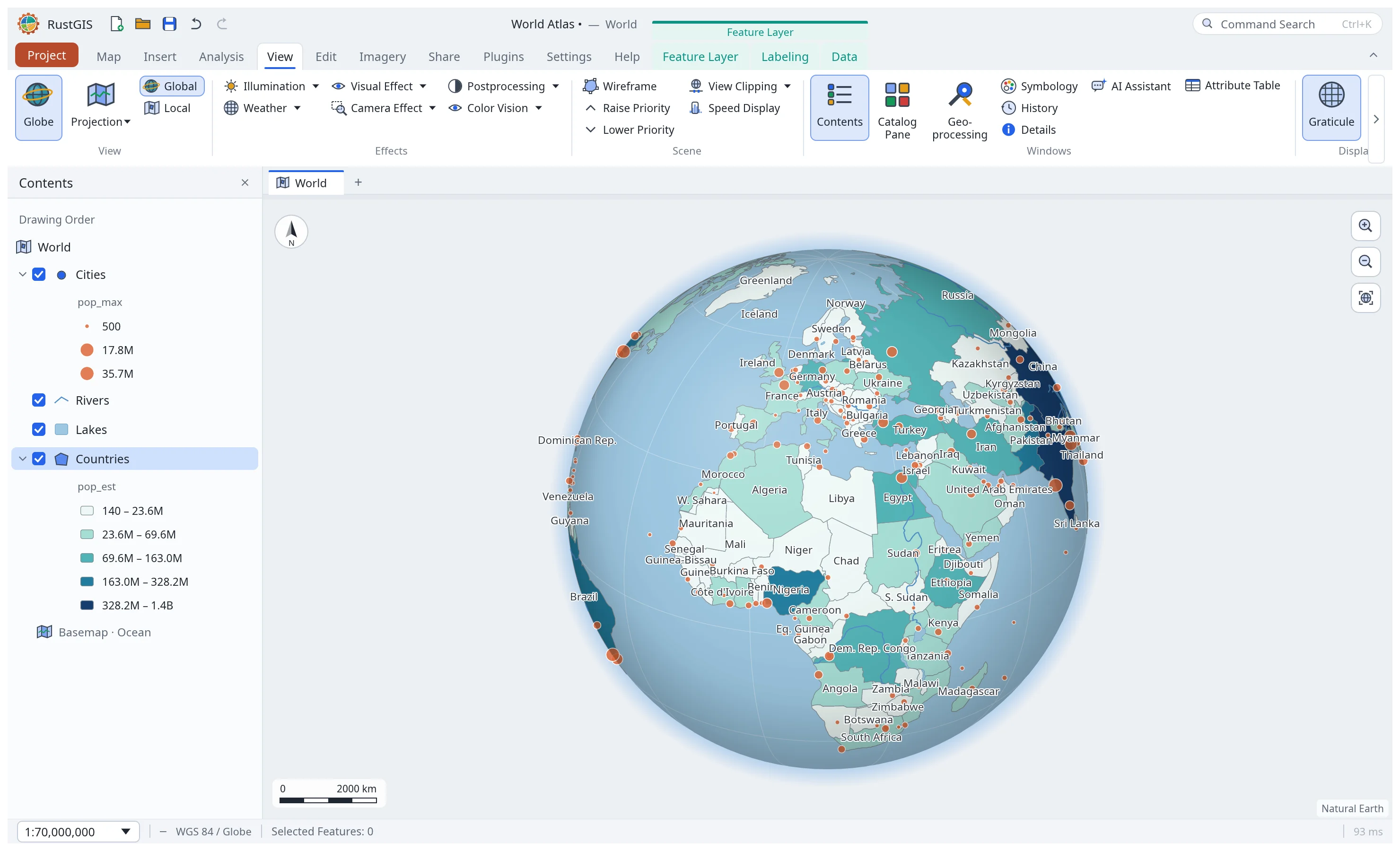
The World Atlas on the 3D globe
Globe and projections. A 3D globe, Equal Earth, Robinson or any EPSG code.
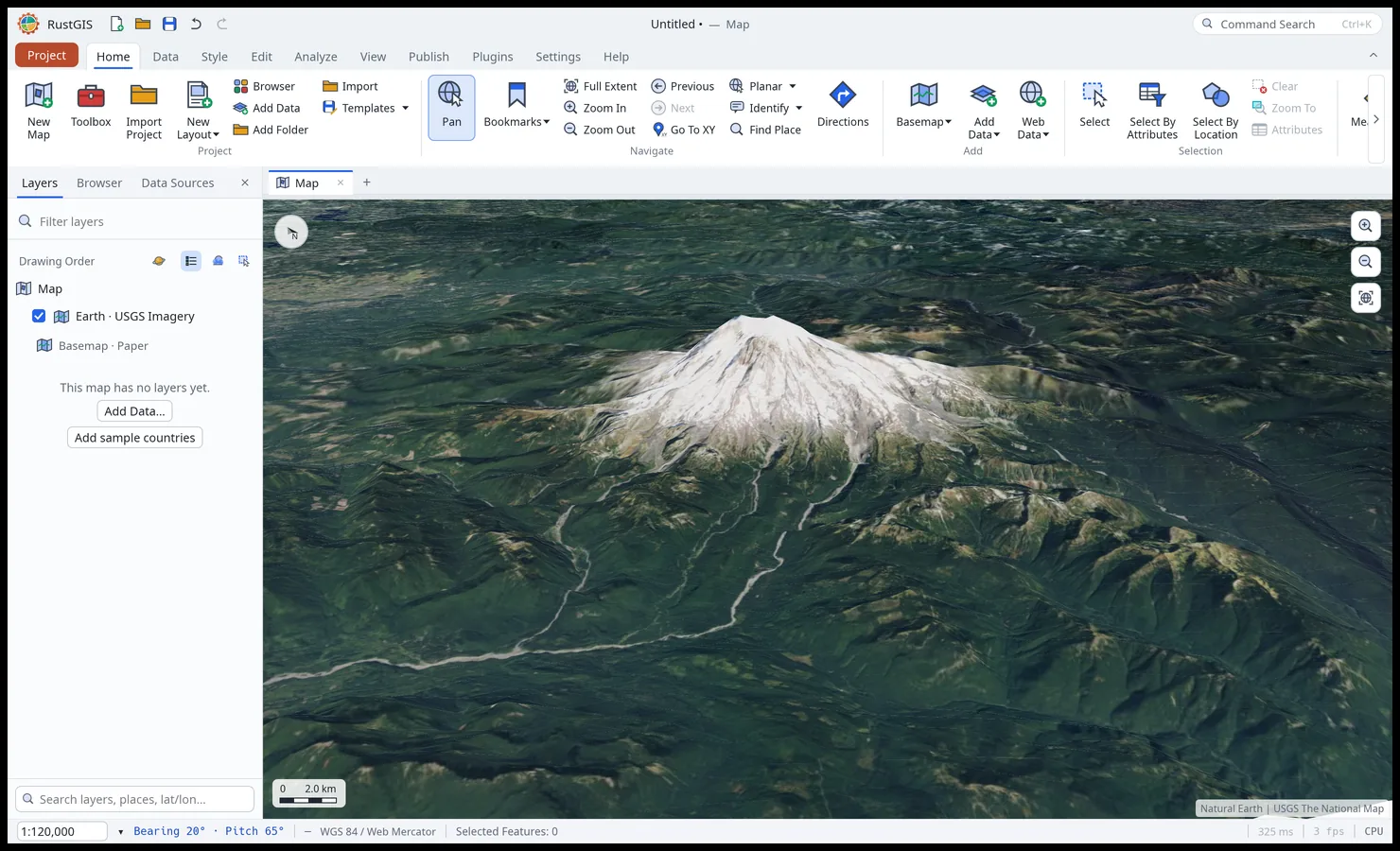
Mount Rainier in USGS imagery draped over terrain, tilted
Terrain. Tilt the map and drape it over elevation.
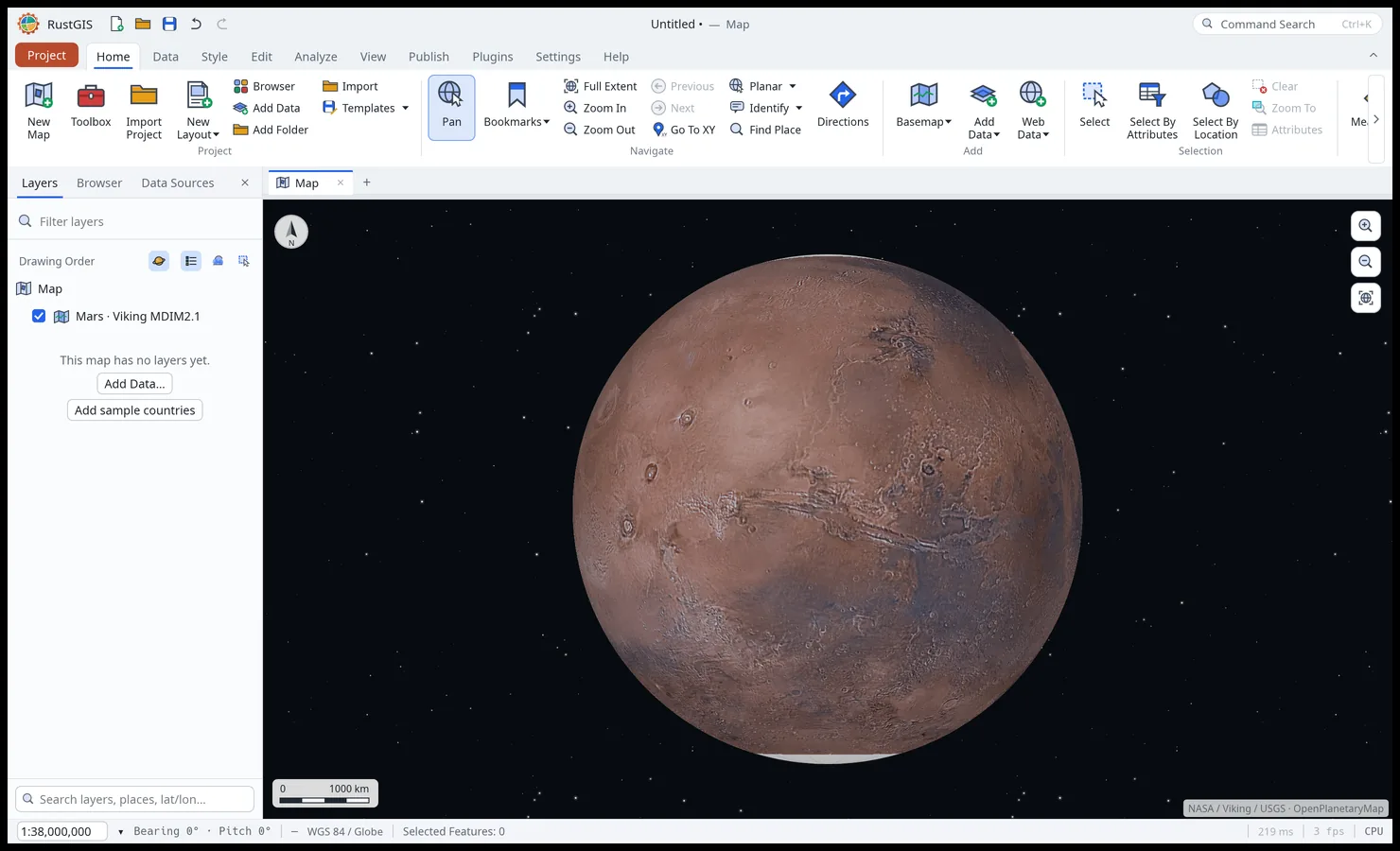
Mars on the 3D globe, on the Viking mosaic
Other worlds. The Moon, Mars and nine more bodies, on their own basemaps.
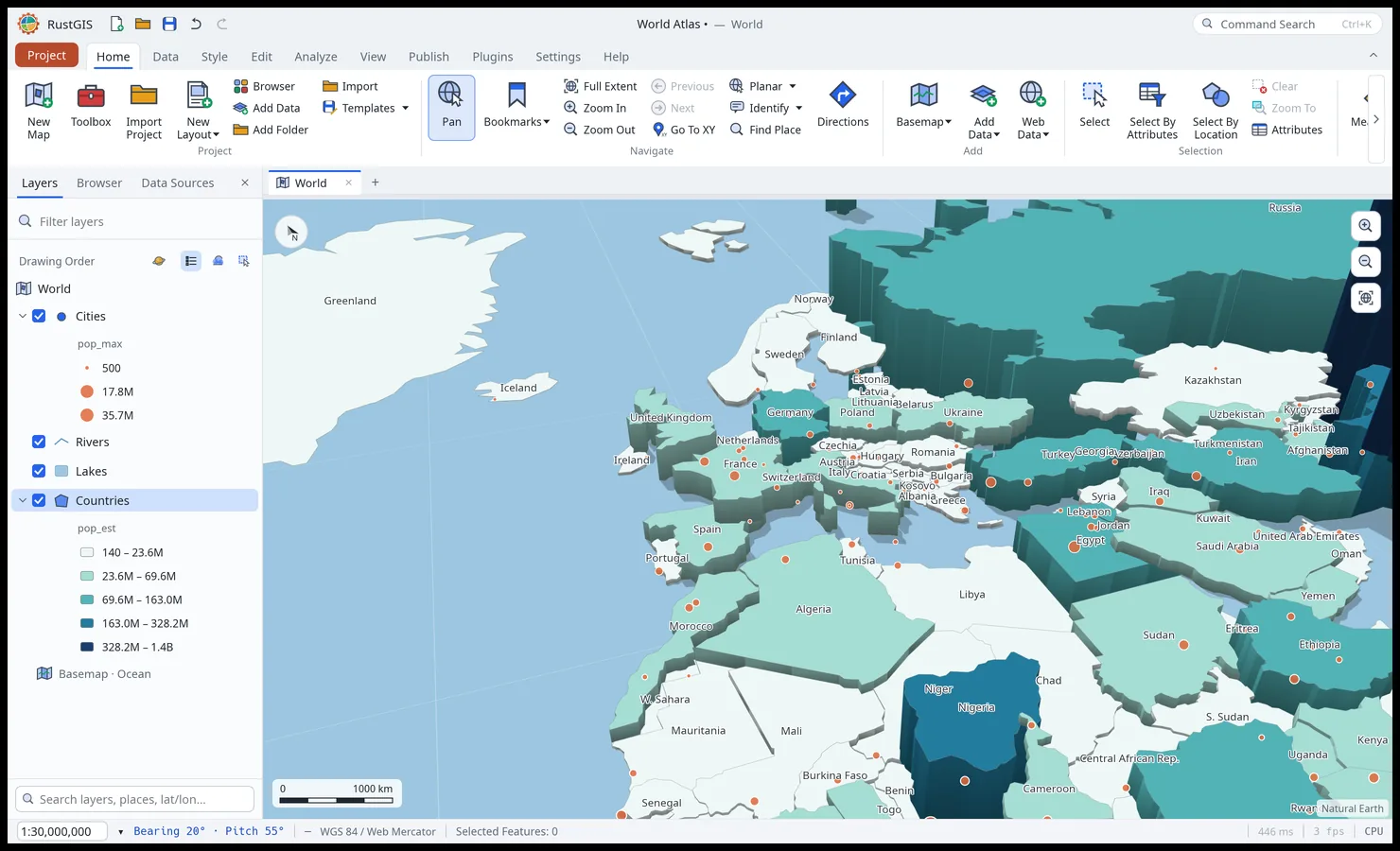
Countries extruded by population on a tilted map
Extrusion. Stand features up by a field, lit and shaded.
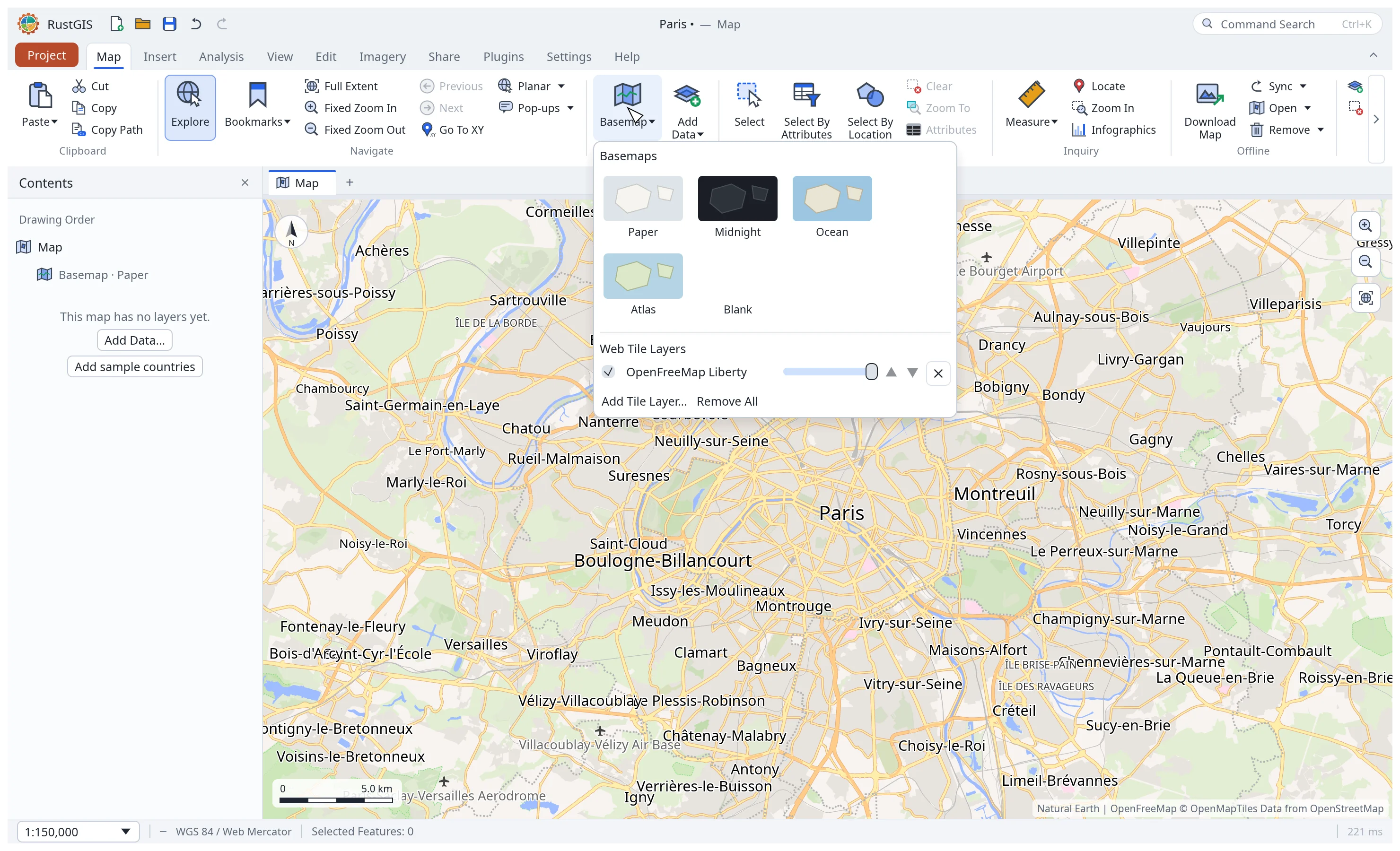
An OpenFreeMap vector style over Paris with the Basemap gallery
Web basemaps. XYZ, WMS and vector tiles, and MapLibre styles.
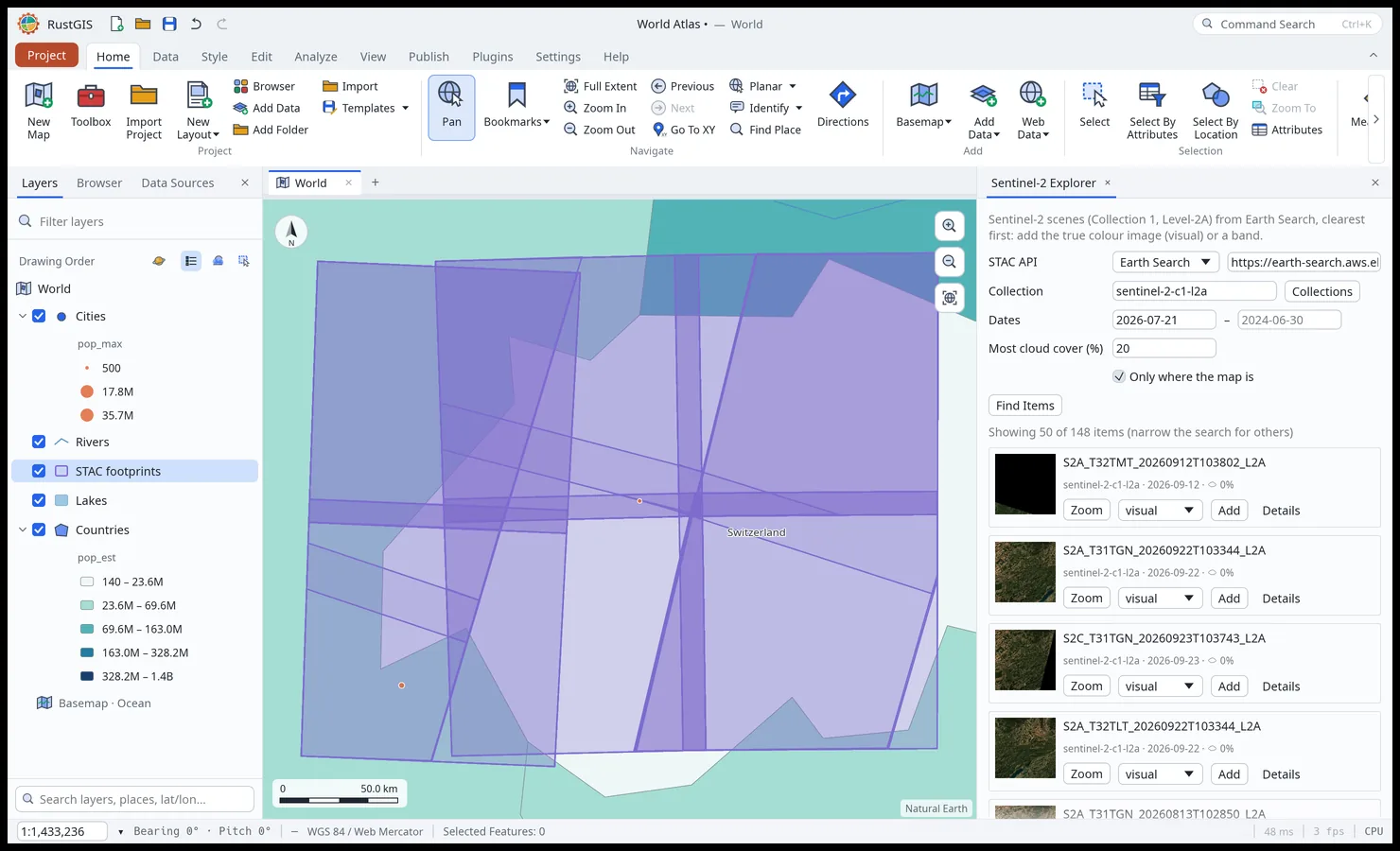
The Sentinel-2 Explorer in the Web Data pane, with scene footprints on the map
Web Data. STAC, Overture Maps, NASA and open-data portals, where the map is.
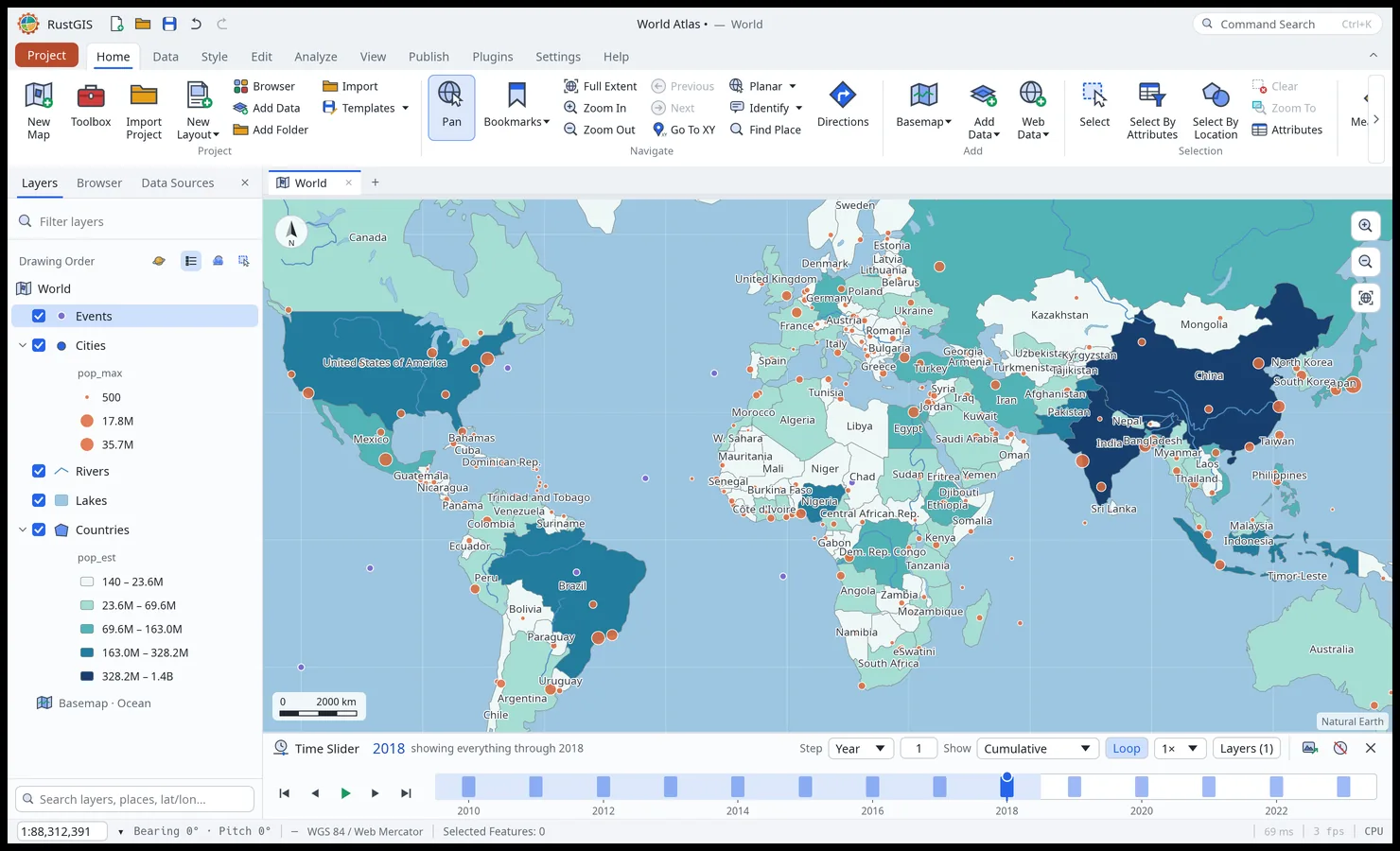
The Time Slider showing dated events through 2018
Time Slider. Step dated features and imagery through time.
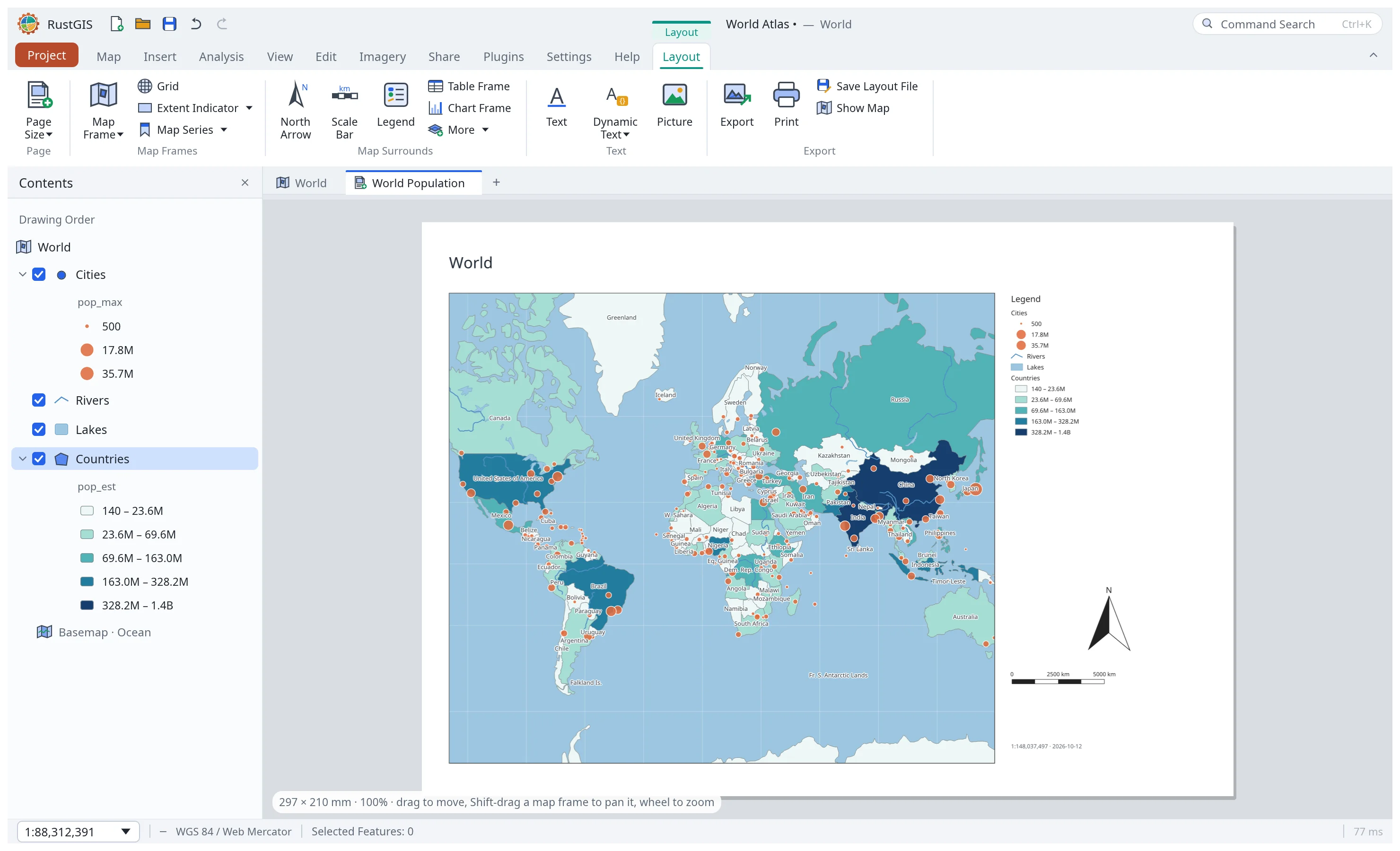
A page layout with a map frame, legend, north arrow and scale bar
Layouts. Map frames, legends, scale bars, map series and PDF export.
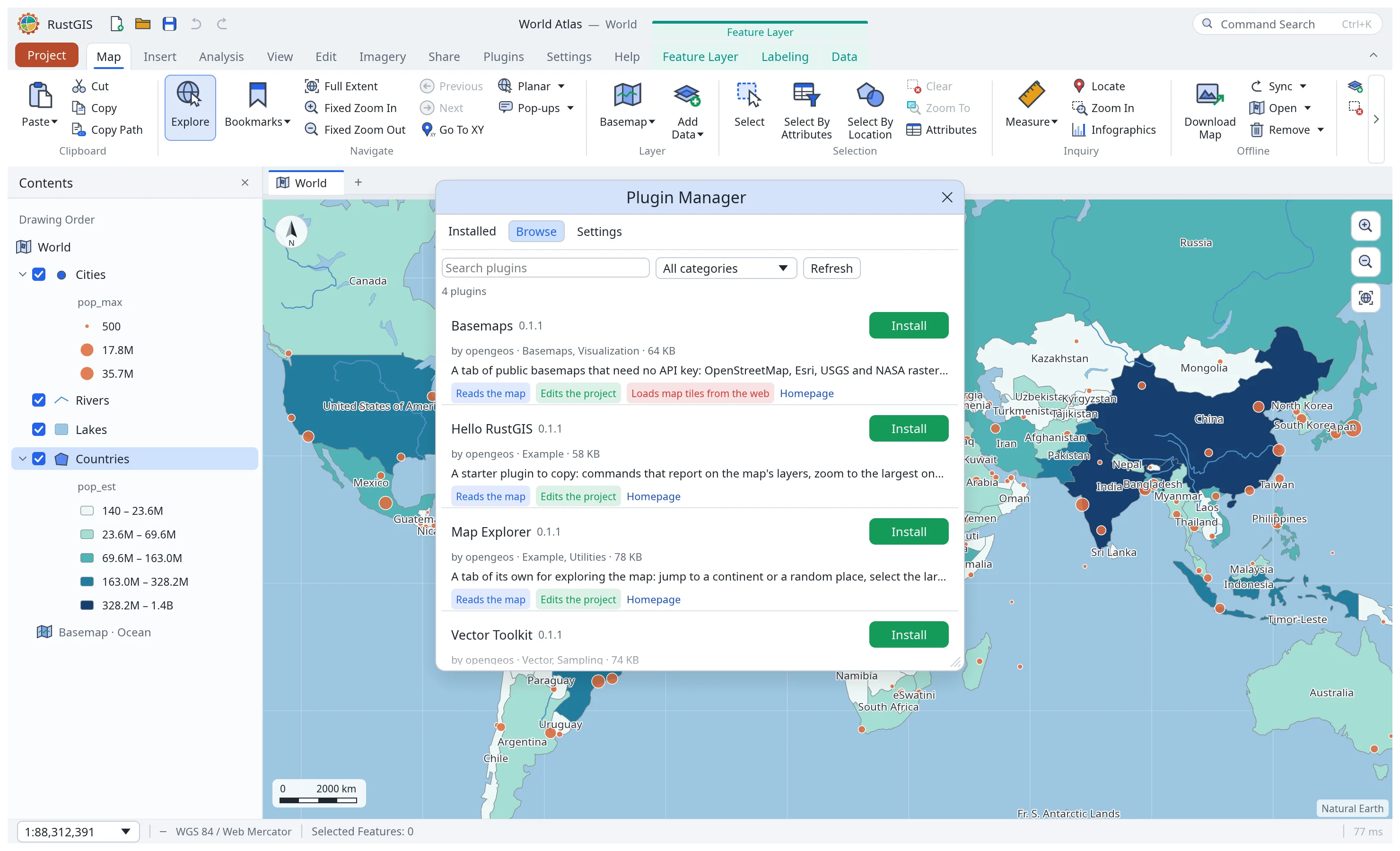
The Plugin Manager browsing the plugin registry
Plugins. Install sandboxed plugins from plugins.rustgis.app.
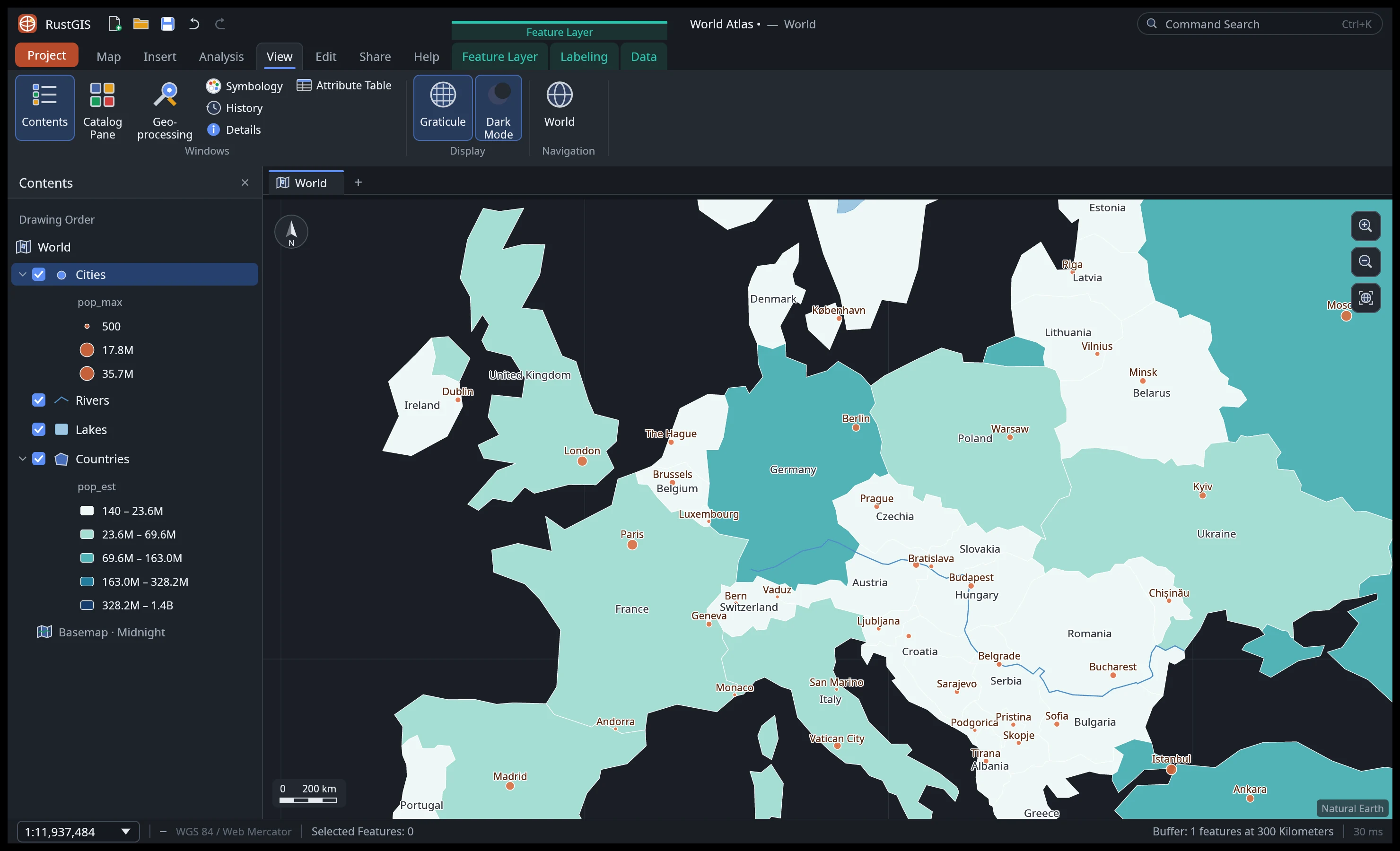
Dark mode over Europe on the Midnight basemap
Dark mode and the View tab's effects, panes and linked views.
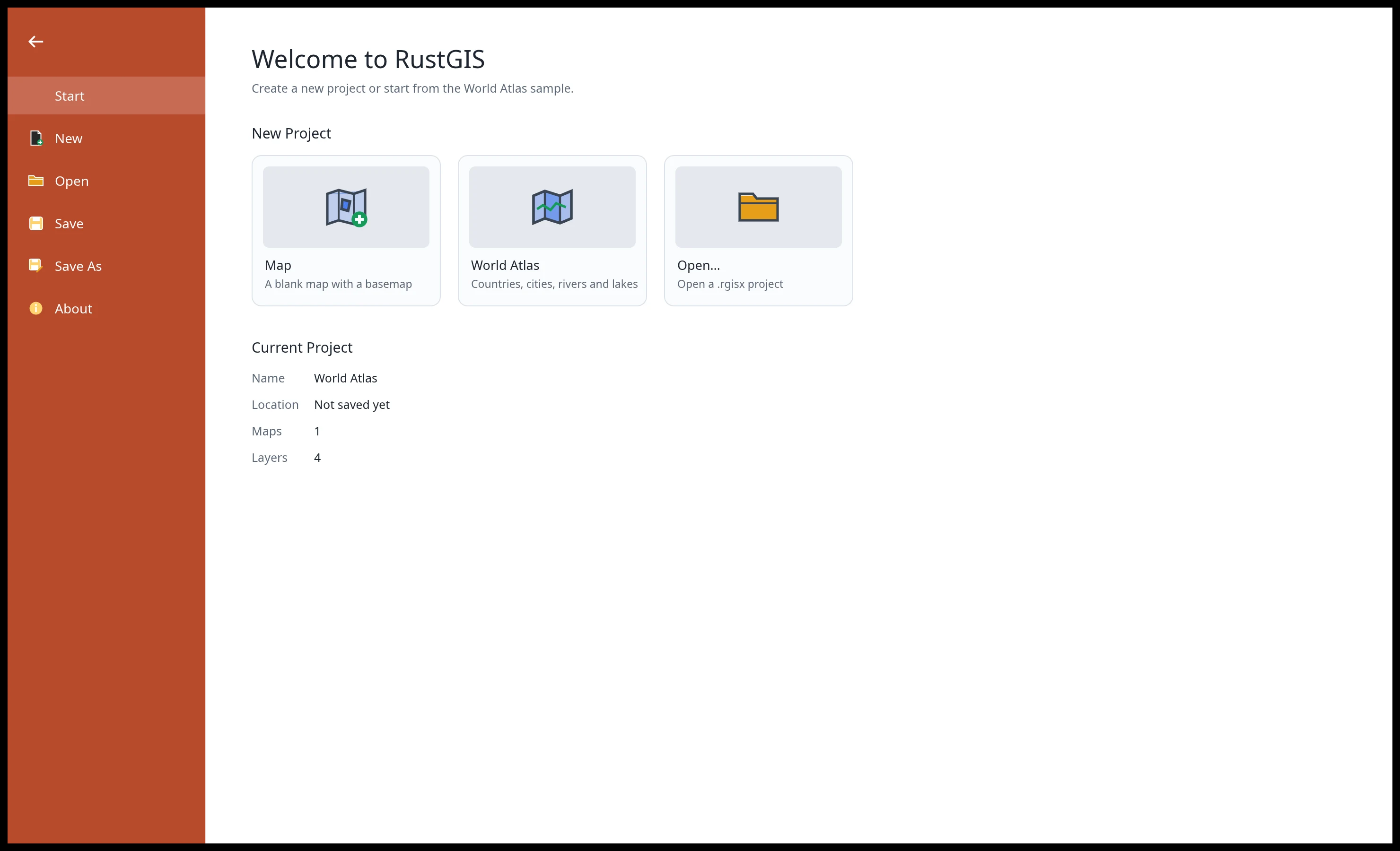
The Project backstage
Projects. Start blank, from the World Atlas sample, or open a project.