RustGIS
A fast, free and open-source GIS written in Rust for mapping, analyzing and sharing geospatial data.
RustGIS runs natively on Windows, macOS and Linux, and in your web browser. Local files are processed on your machine; web data sources, AI providers and plugins can use the network. Map operations are commands you can script from the command line, Python or the AI Assistant.

Highlights
-
Your data, any source
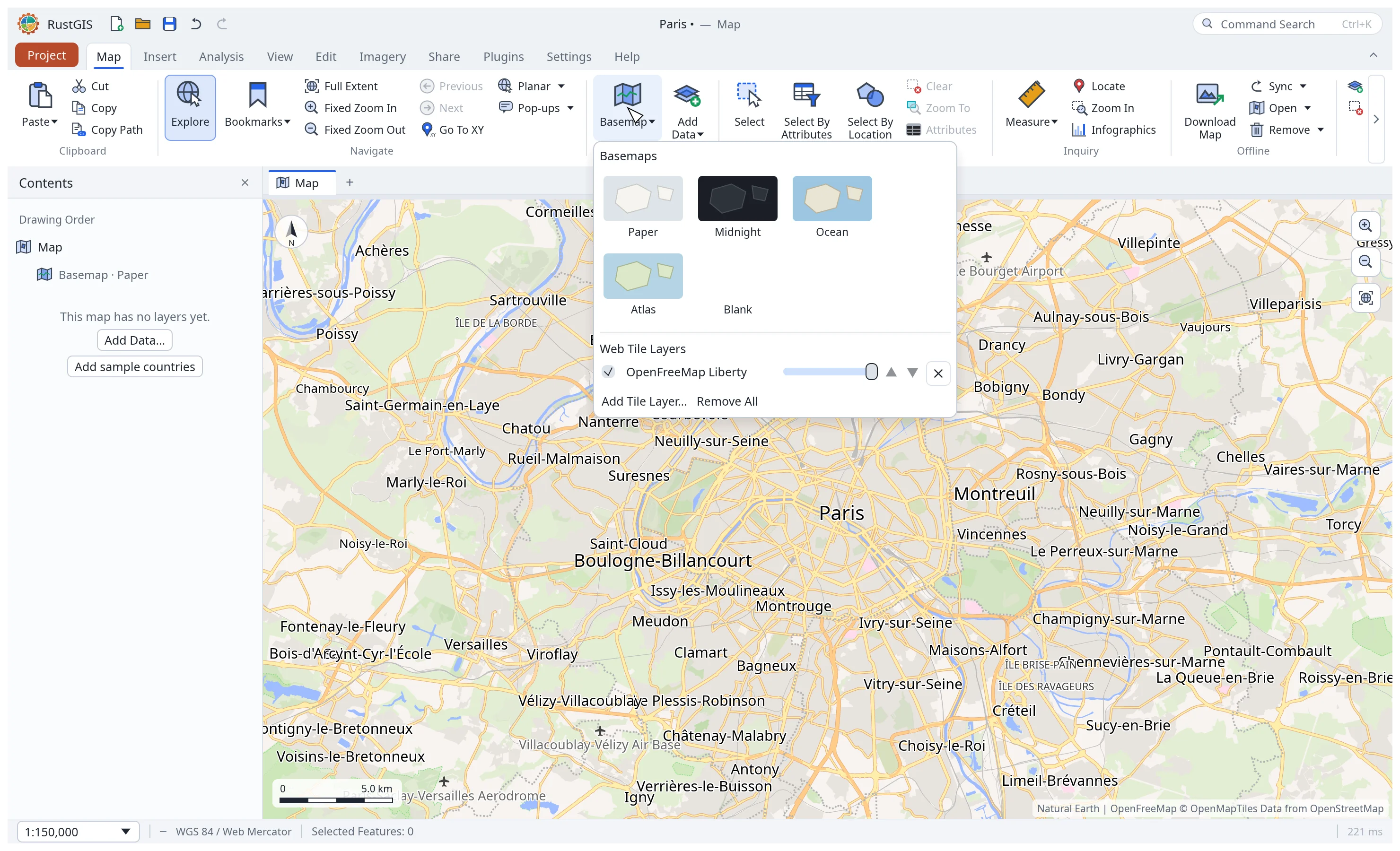
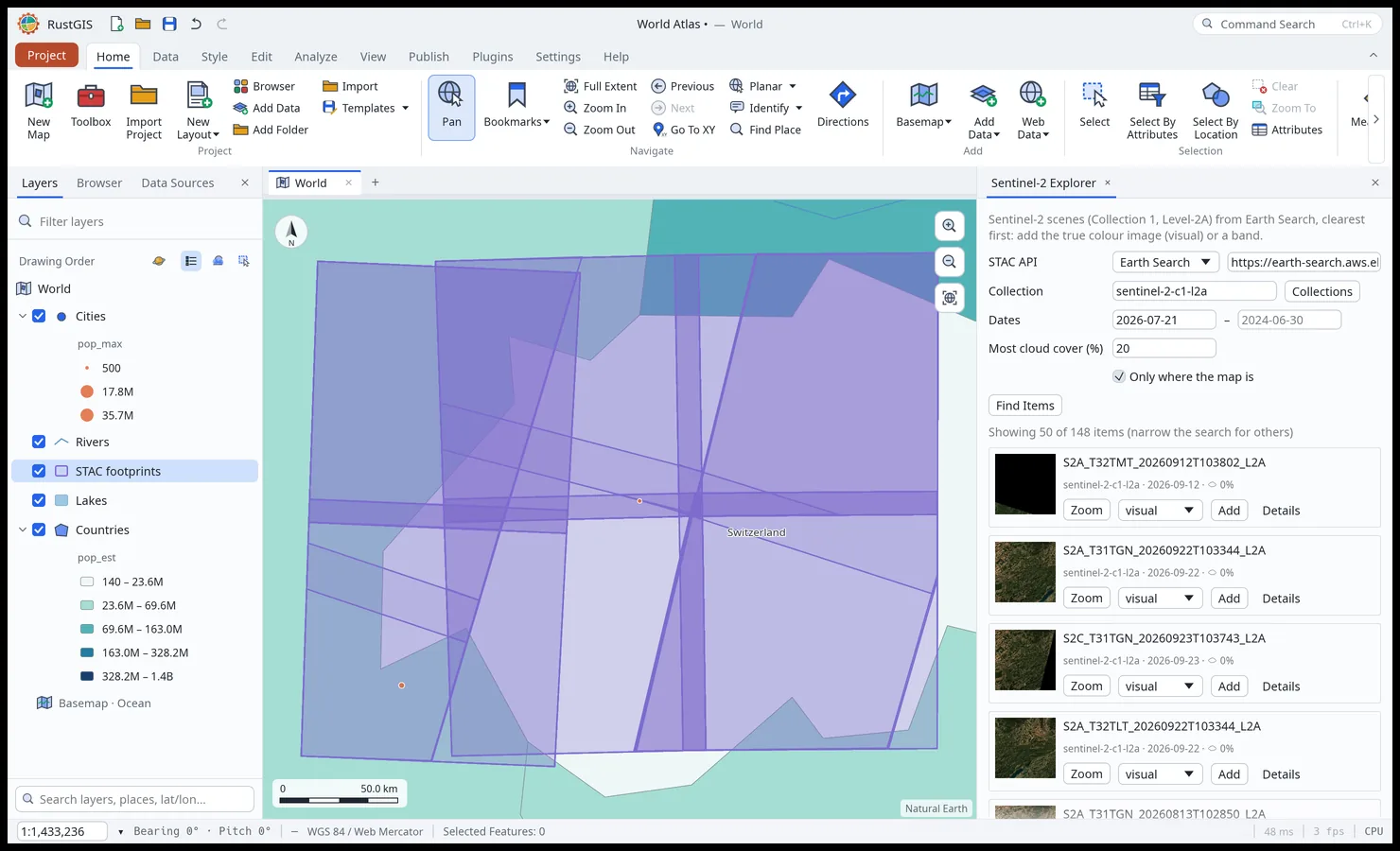
GeoJSON, Shapefile, GeoPackage, GeoParquet, GeoTIFF, LiDAR and Zarr; live PostGIS, MySQL, MariaDB and SQL Server databases on the desktop; public data from STAC catalogs, Overture Maps and open-data portals. Save and browse reusable data connections. Data · Web Data · Formats
-
Cartography and 3D
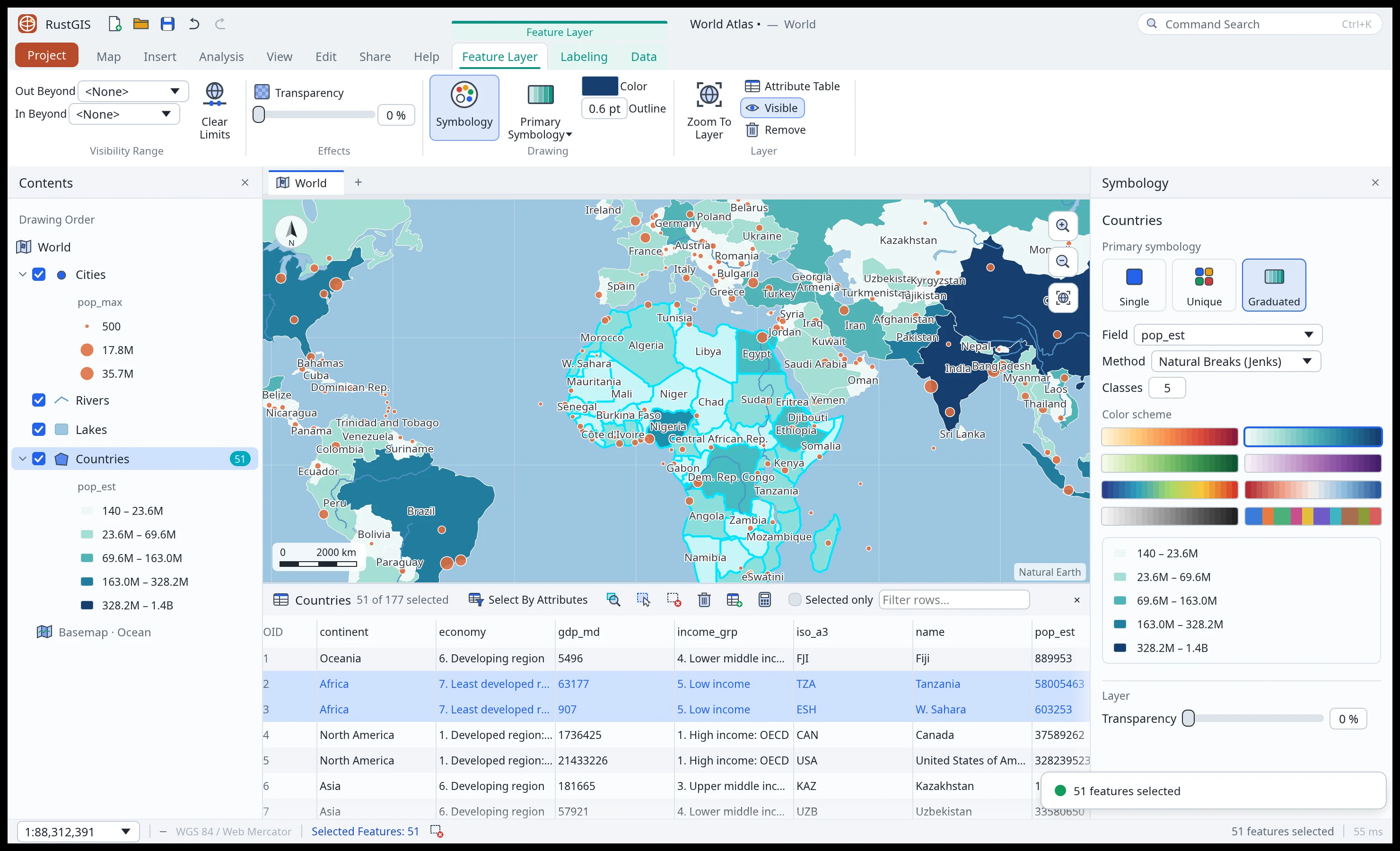
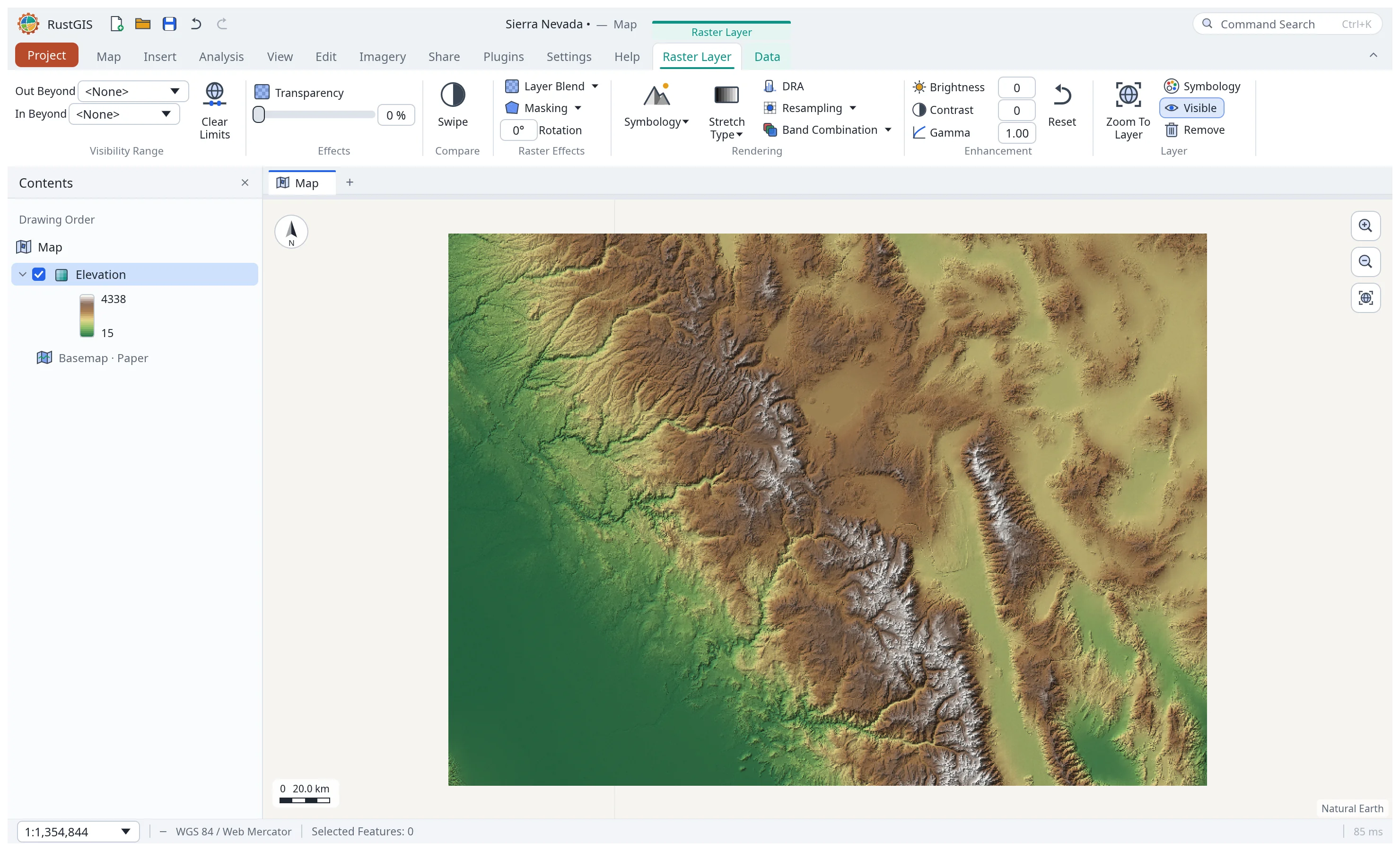
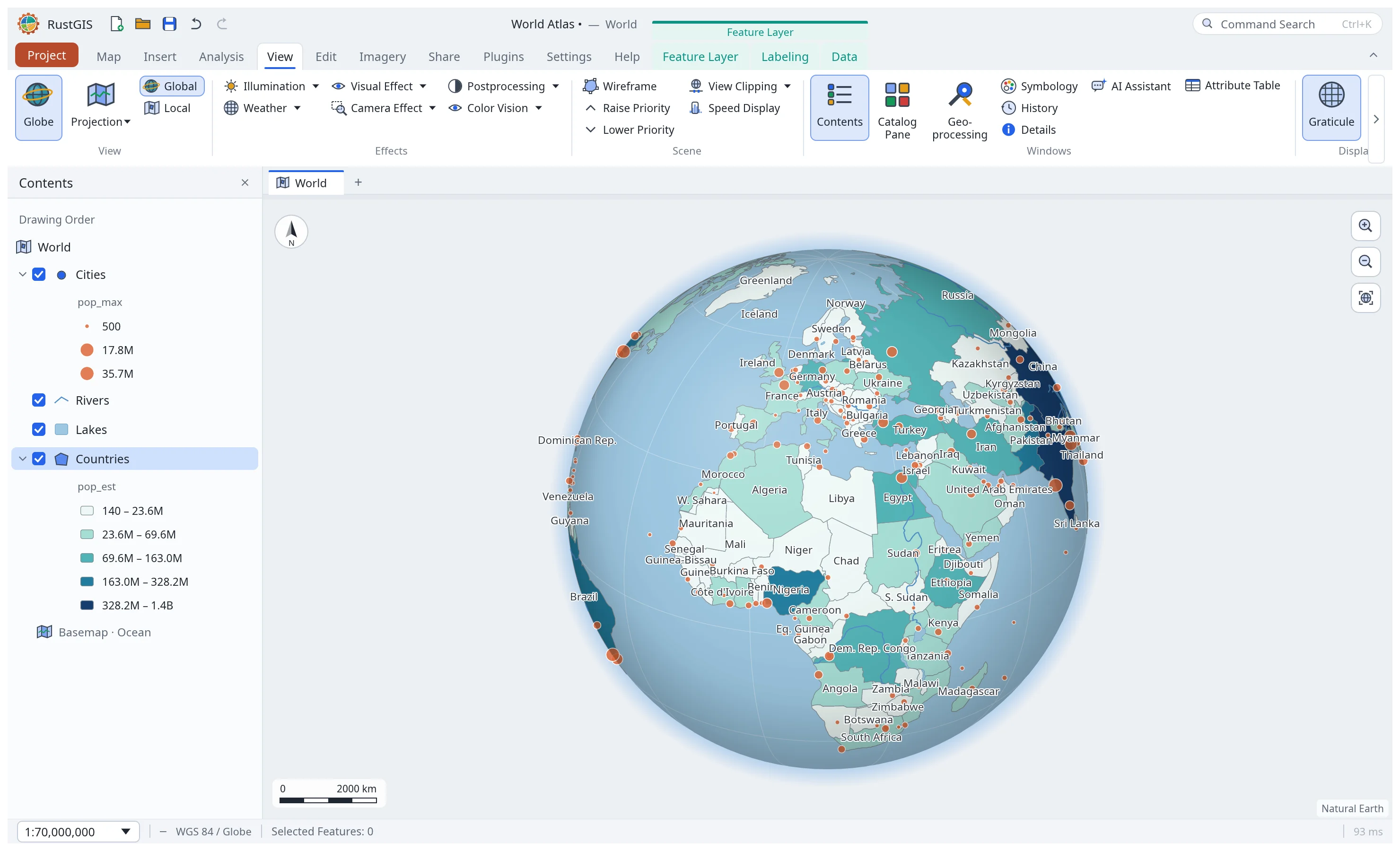
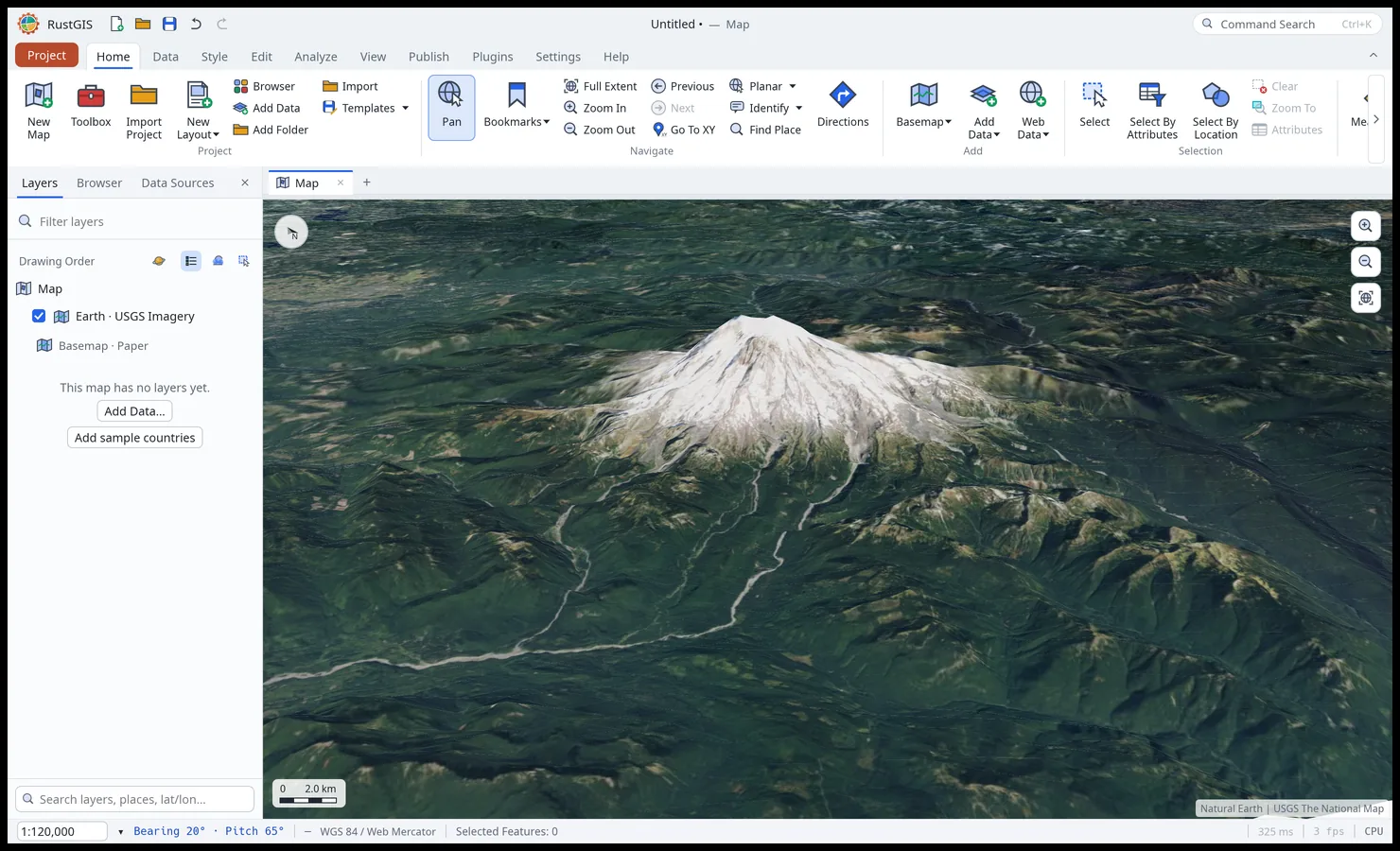
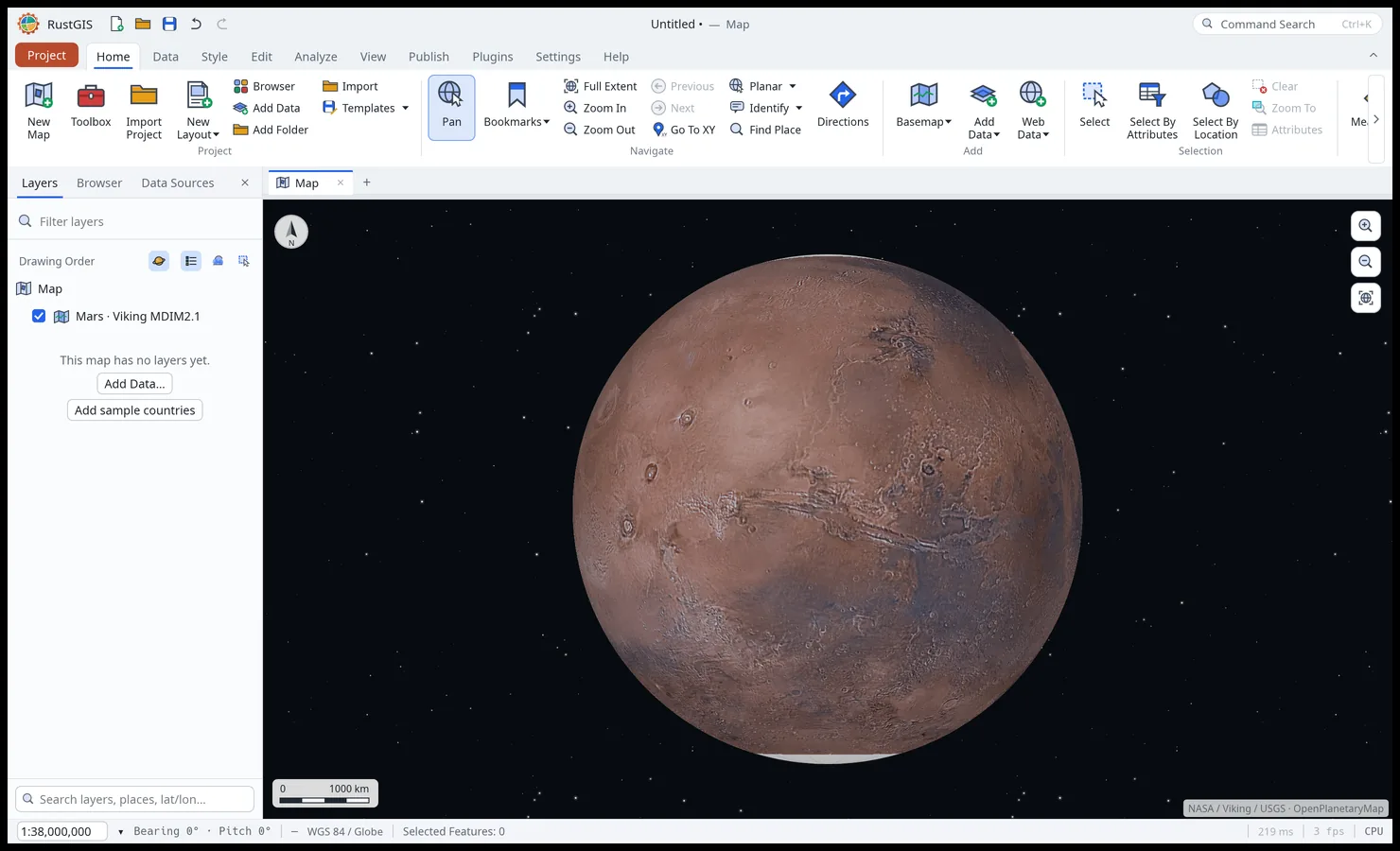
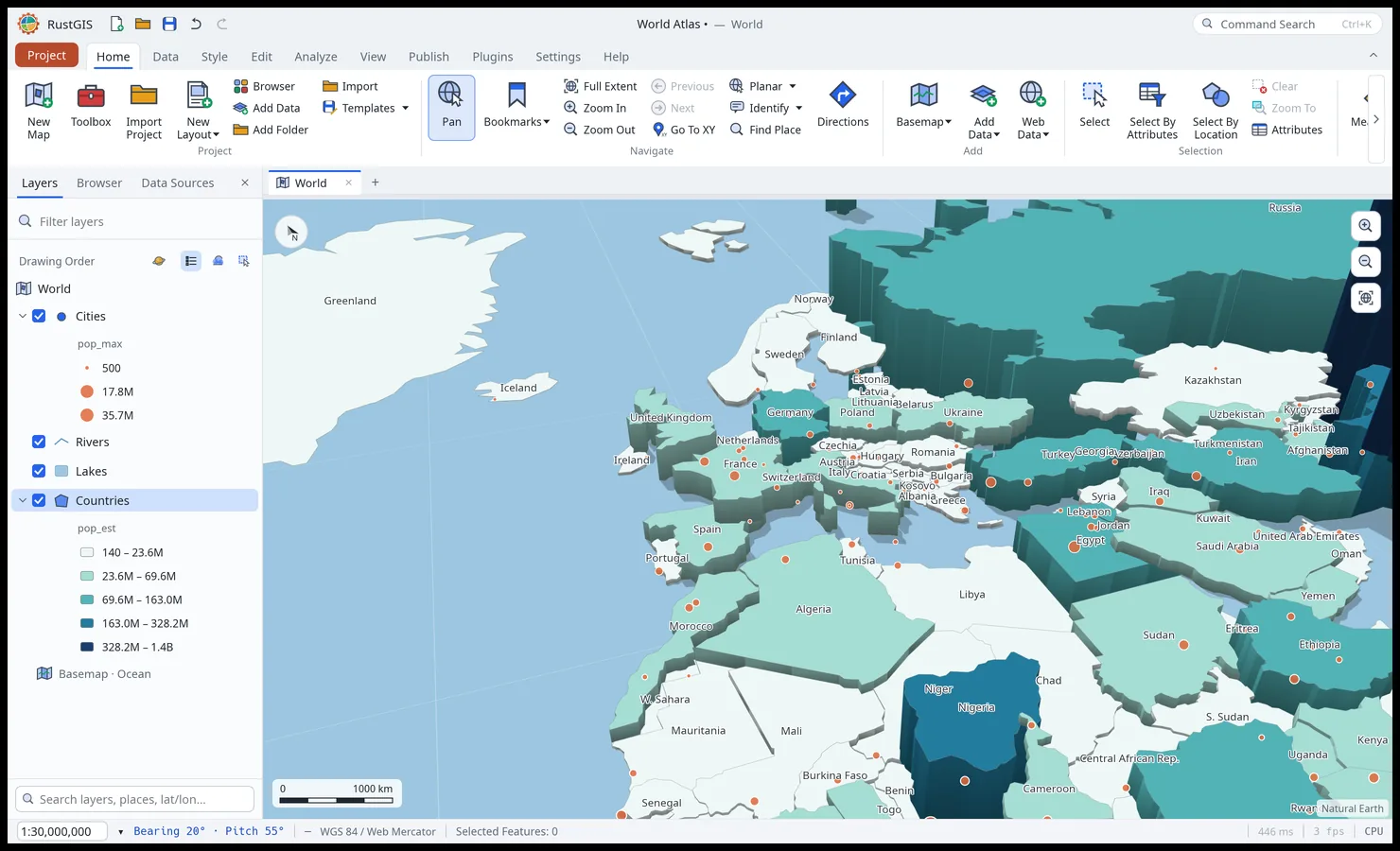
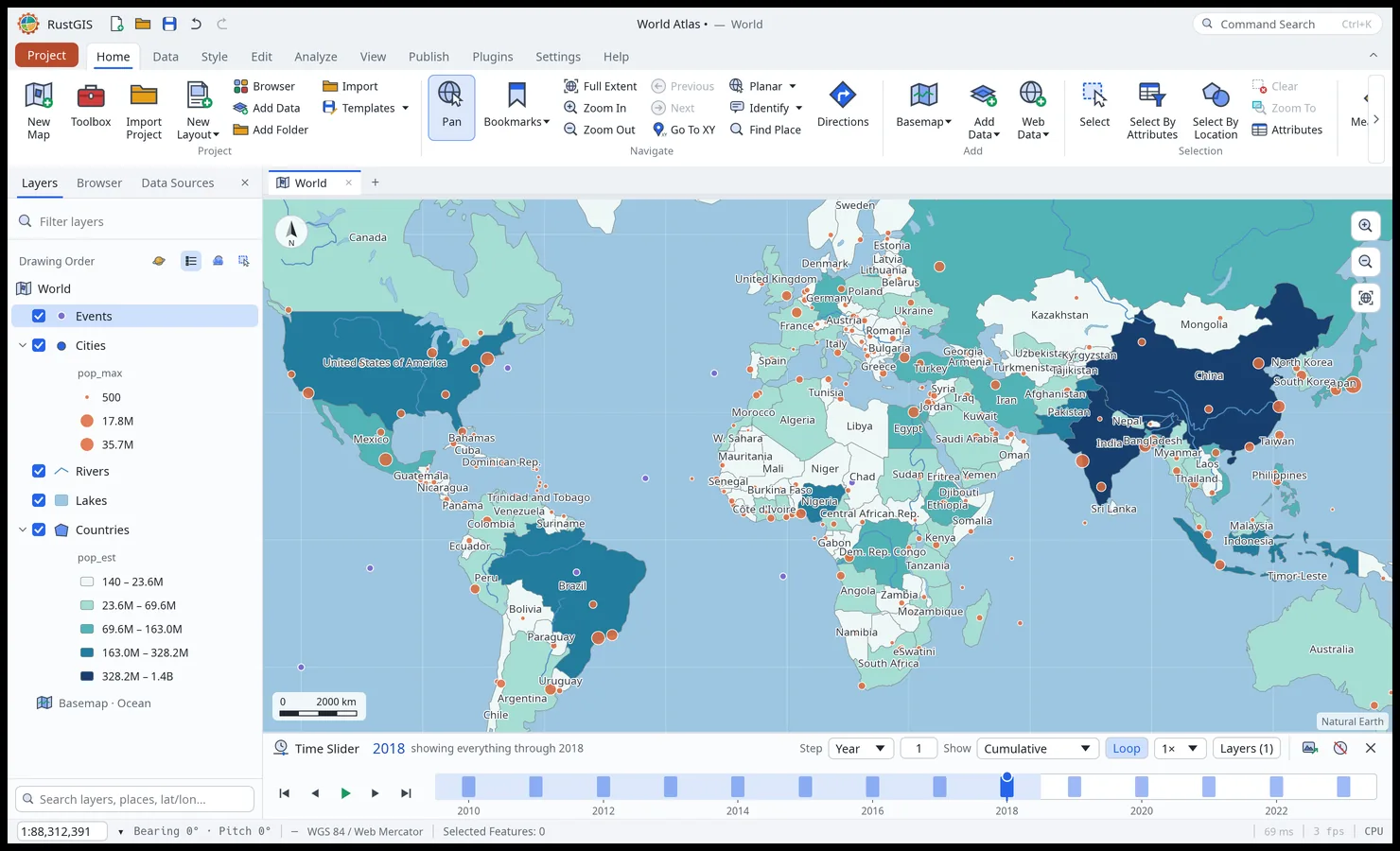
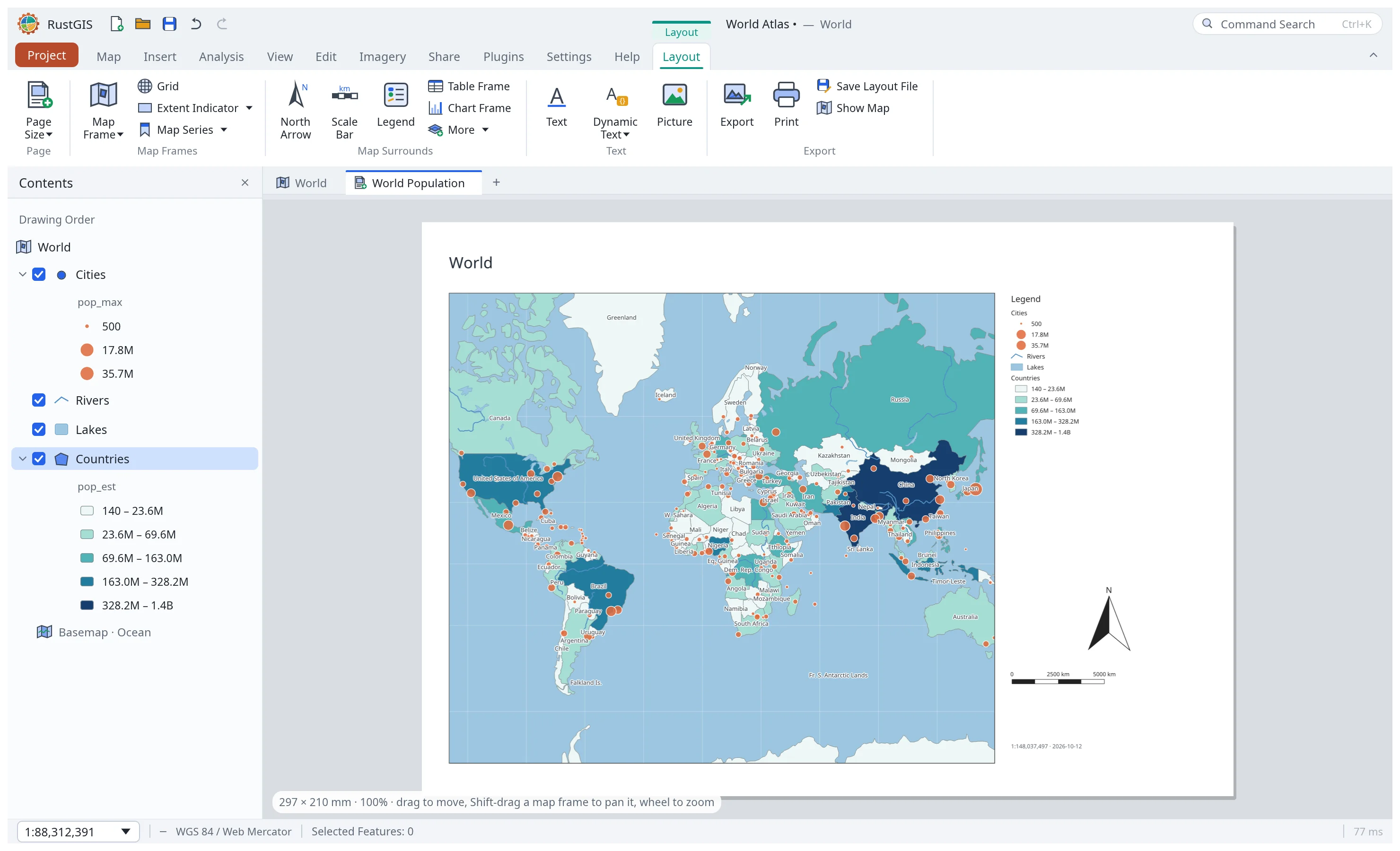
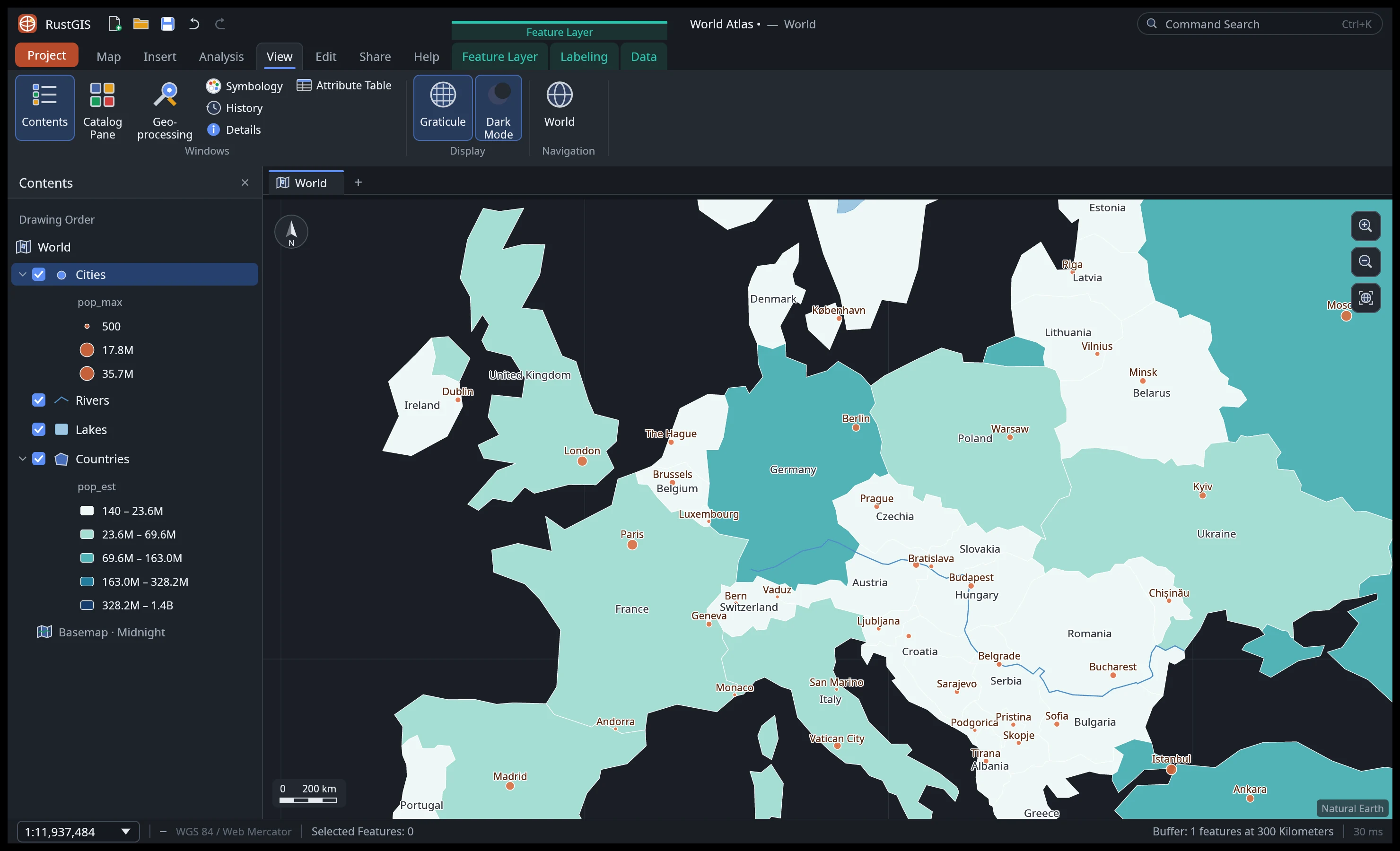
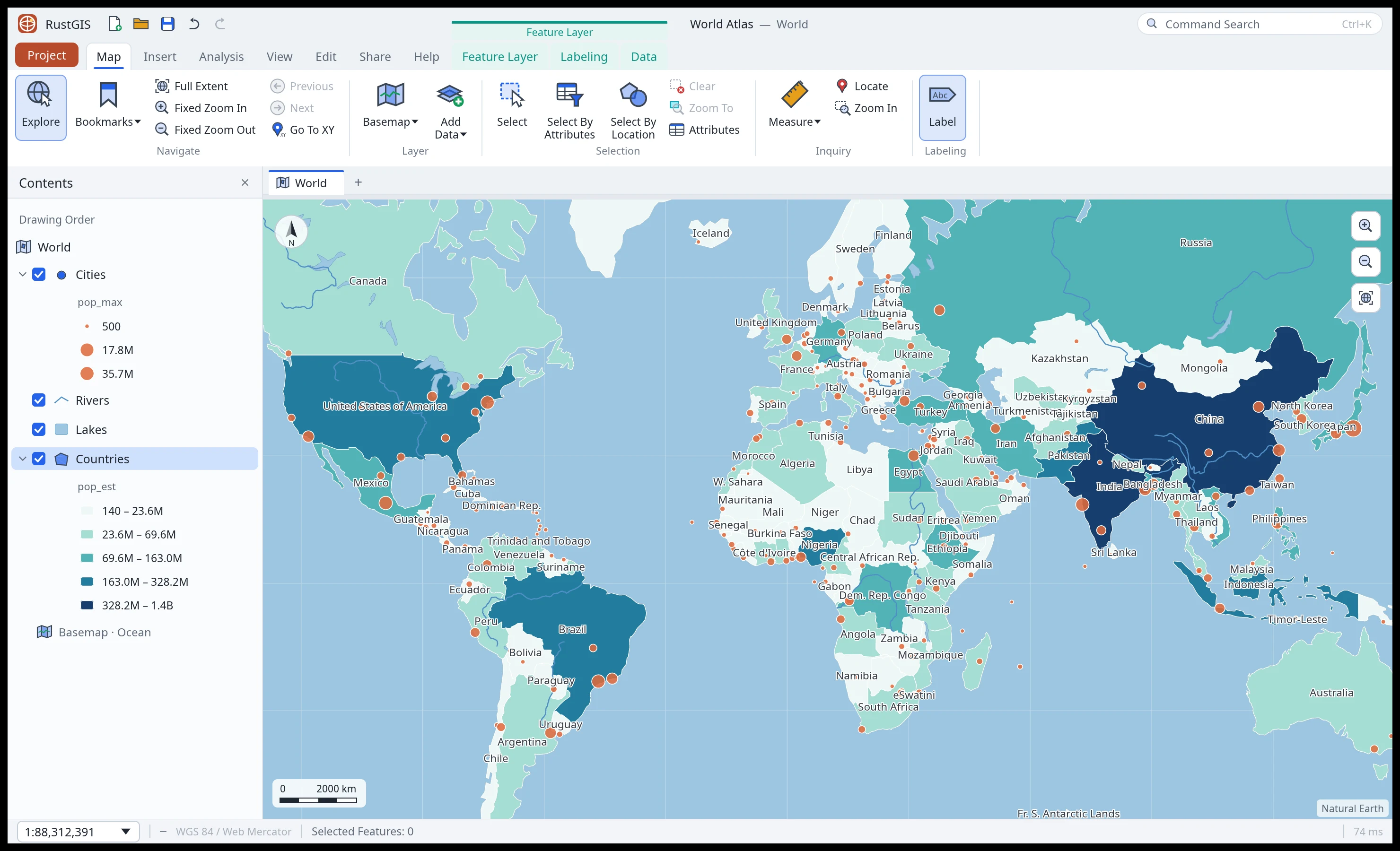
Graduated colours, collision-aware labels, stacked line symbols, page layouts and map series; a 3D globe, projection presets and supported EPSG/ESRI systems, terrain and extrusions, and maps of the Moon, Mars and other worlds. Cartography · Maps · Layouts
-
Analysis
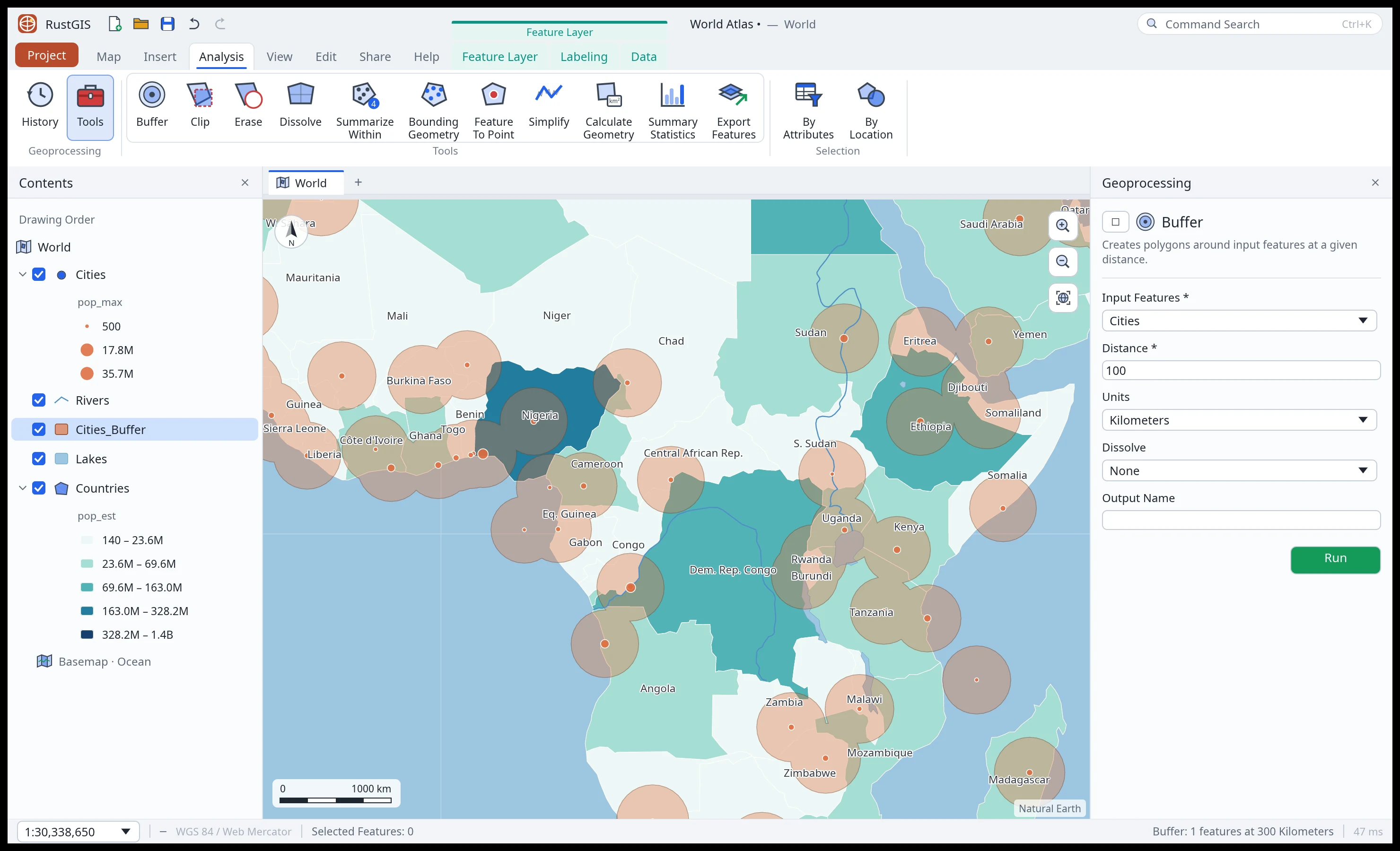
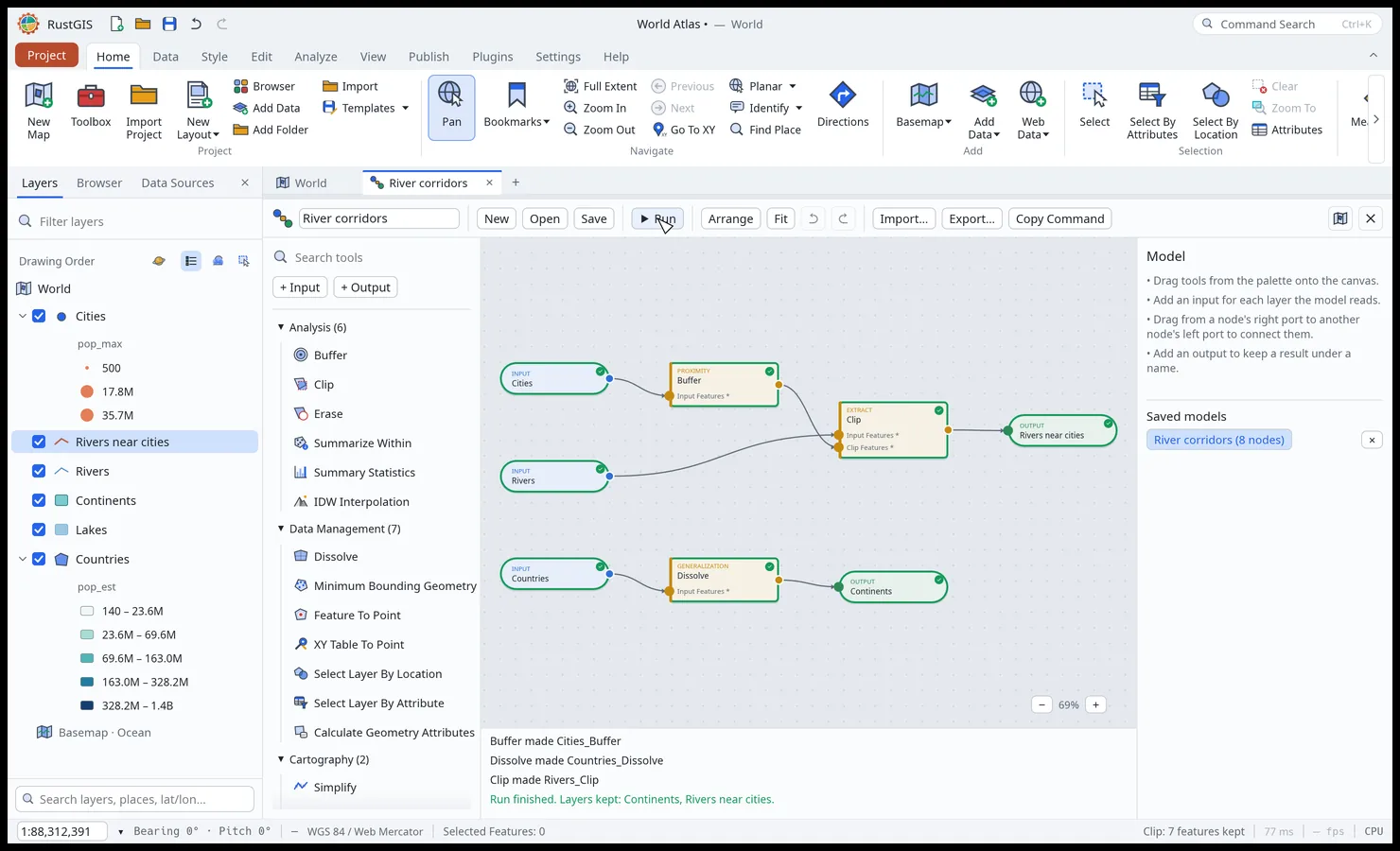
SQL selection, overlay and proximity tools, guided workflows, ModelBuilder, imagery tools, data-cube time series and trends, and over 1,000 tools through the optional GeoLibre/Whitebox suite. Analysis
-
Editing
Create features and edit their vertices with snapping and templates, keep attributes valid with domains, subtypes and rules, check topology, and undo project edits. Editing
-
AI Assistant
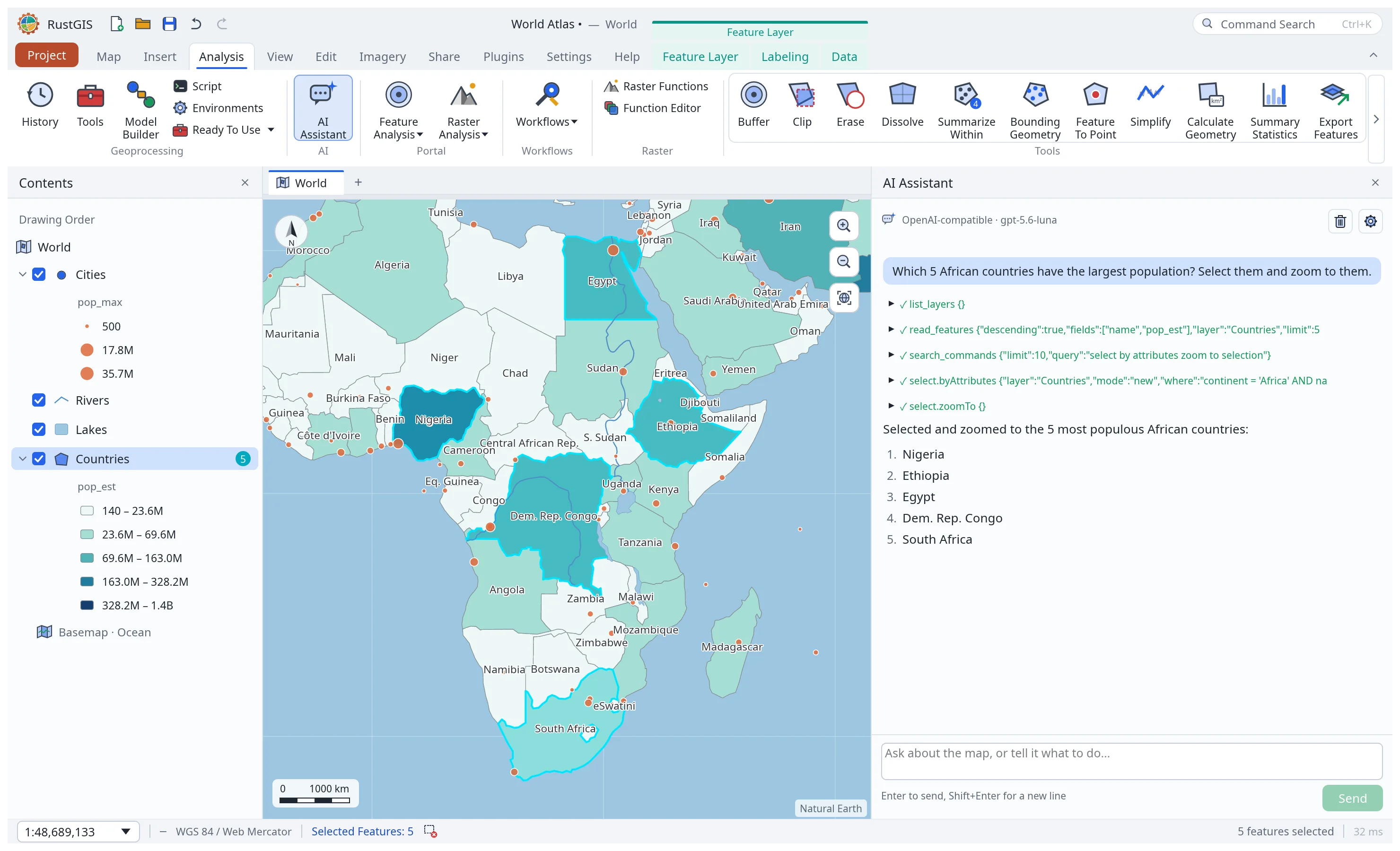
Ask about your data or tell the map what to do. Choose a model provider or sign in with ChatGPT; approve file, network and plugin operations before they run. Project edits are undoable. AI Assistant
-
Scriptable and extensible
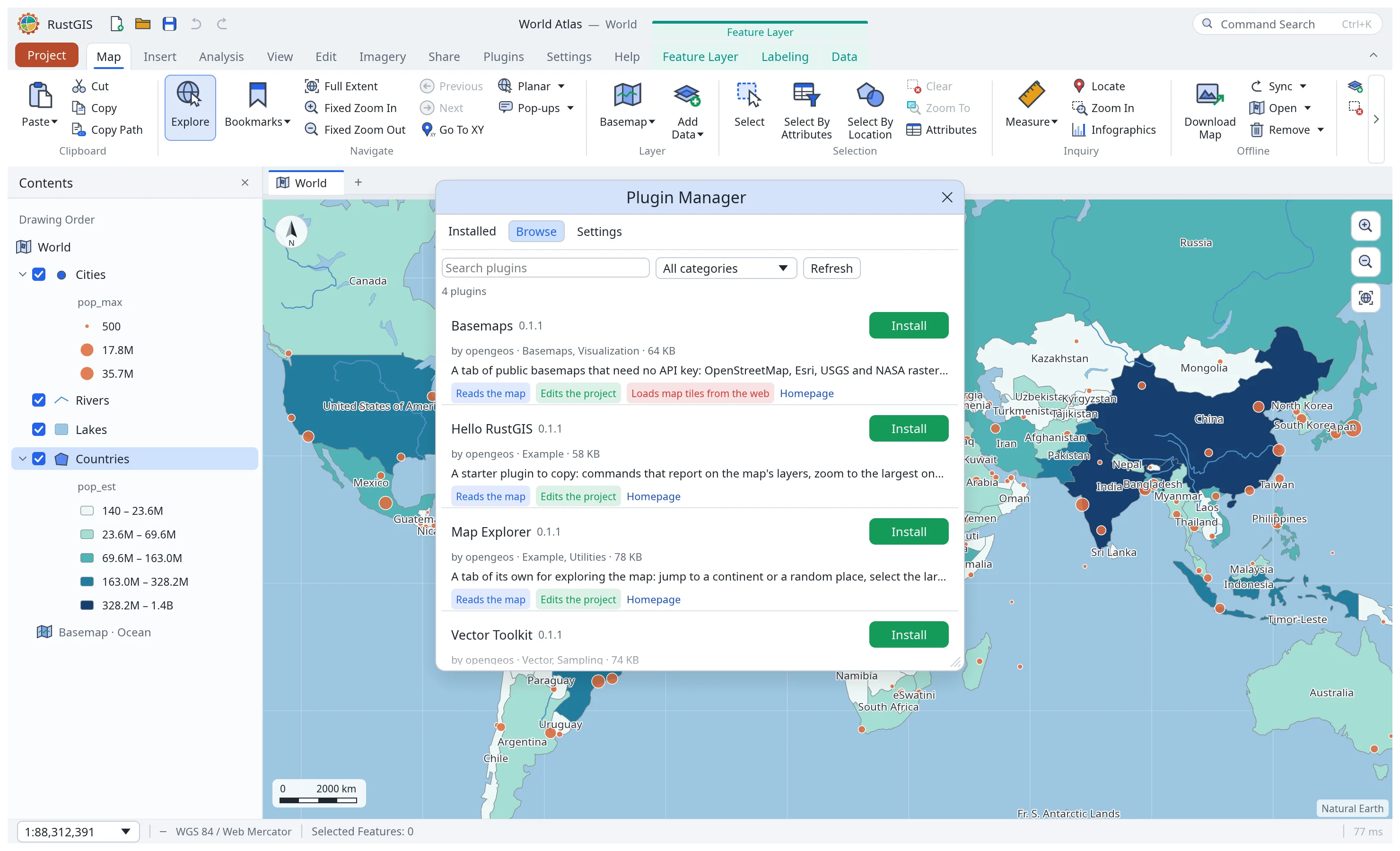
rustgis-cliand therustgisPython package run engine commands and render maps; MCP connects AI agents to headless sessions or the open app. Plugins add tools, commands and assistant skills, with sandboxed WebAssembly or desktop-only process runtimes. Command Line · Python · MCP · Plugins
A tour